Please make sure your MacBook installed “Photo Booth”. If not, get
the software from APP Store.
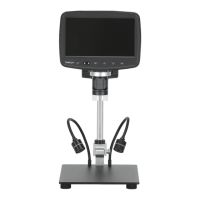
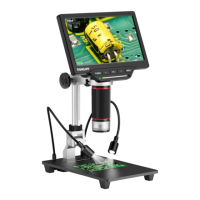
(1) Connect the microscope with computer by the USB cable and
turn it on.
(2) Press OK button to switch UVC mode.
(3)Run “Photo Booth”(Finder---Application---Photo Booth) and
choose “VMS4M33 (default)”on the menu bar.
Please note no matter the microscope works with Windows or Mac/
iMac, Left button/Right button/Menu button on monitor and remote
control can’t work.
And photos/videos only can de saved in computer when connected
with computer.
10.Work with Mac/iMac
E-mail: support_eu@tomlov.com -18-


 To Next Page