46
c) Soldering iron
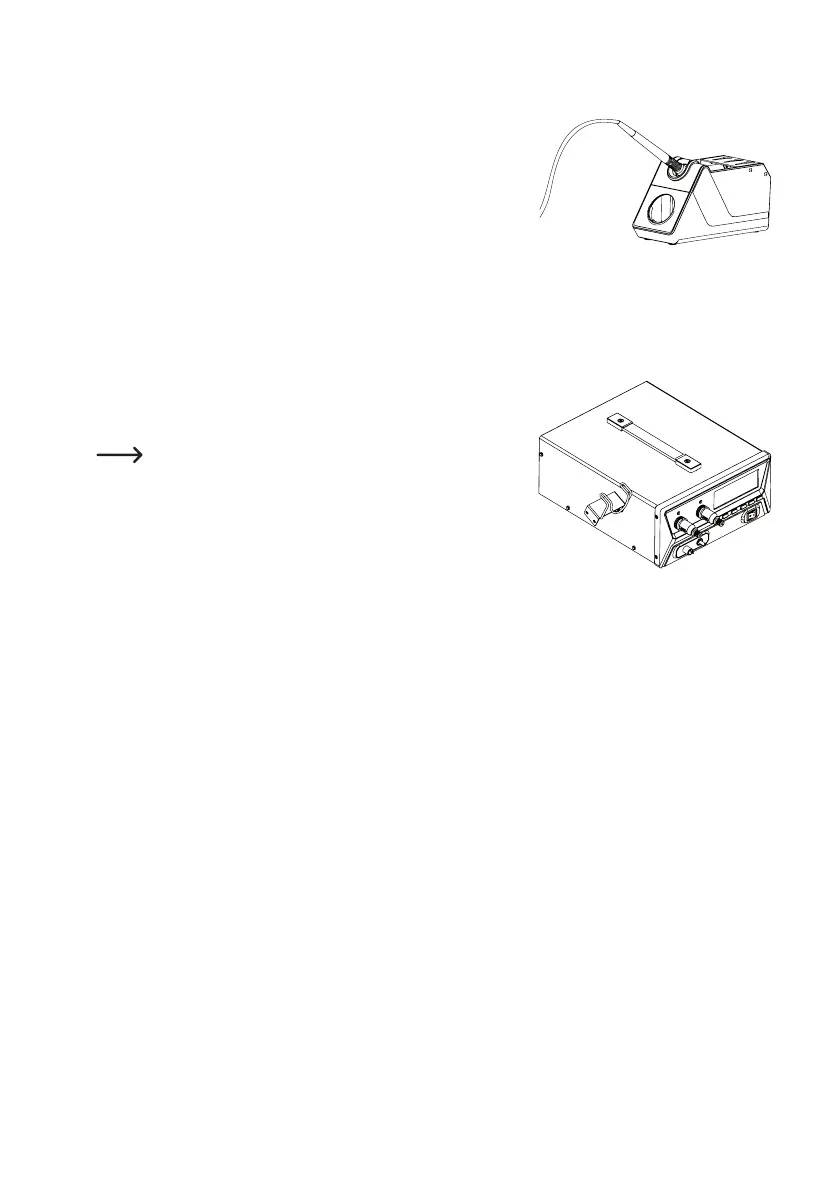
Place the soldering iron in the support holder provided.
Connect the soldering iron plug with either Channel 1 (13) or Channel
2 (11). Insert the correctly aligned plug into the socket, then it can be
secured using the locking ring. Do not use force!
d) Suction cup handle
There is only one connection (2) for the vacuum on the 4-in-1 rework station. The vacuum hose for either the desolder-
ing gun or the vacuum suction lifter can be connected here.
e) Hot air nozzle
Themountingbracketcanbexedontheleftorrightsideofthethe
4-in-1 rework station using 2 screws. Then you can hang up the hot
air nozzle.
The mounting bracket must be mounted in such a way that
the hot air nozzle points diagonally upwards, when inserted
into the mounting bracket.
f) Mains connection
• Switch off the 4-in-1 rework station (move the on/off switch to the “0” position).
• Use the mains cable provided to connect the 4-in-1 rework station to a standard earthed mains socket which is
connected to the public grid (wall-mounted socket)
• Switch on the 4-in-1 rework station (move the on/off switch to the “I” position). The display will switch on and show
a welcome message for a few seconds. It will then show the normal display.



 To Next Page