8 TOPCOM TWINTALKER 3700
TOPCOM TWINTALKER 3700 DCP
12.6 CTCSS (CONTINUOUS TONE CODED SQUELCH SYSTEM)
The 2 digit CTCSS code corresponds to a specific tone frequency the radio emits. Two users, with the
same channel and CTCSS set can hear one another.They will not be able to hear anyone else on the
channel unless the other radios have the same exact CTCSS code enabled.
The PMR has 38 CTCSS codes available.
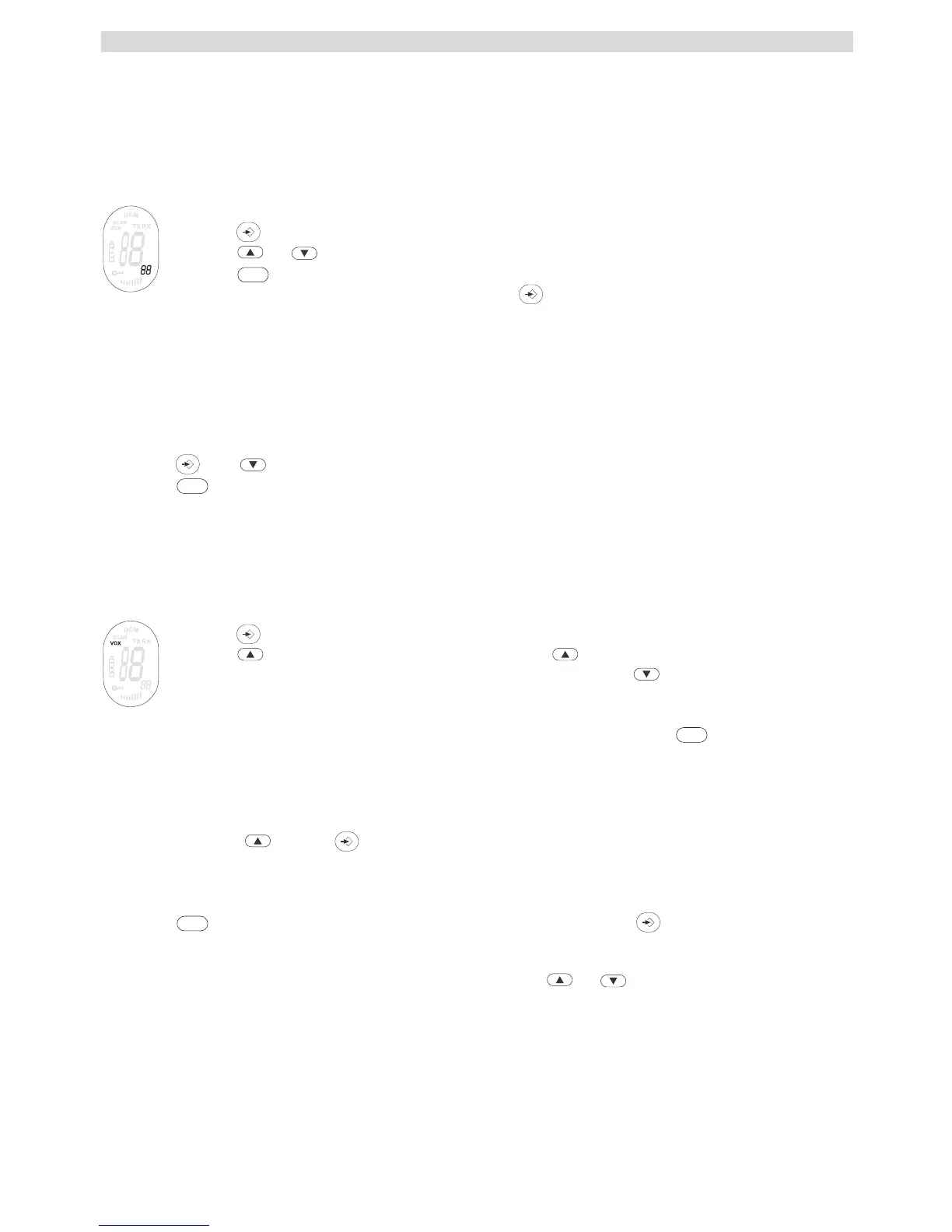
• Press twice, the CTCSS code will flash
• Press or to select another code.
• Press to confirm your selection and return to the NORMAL mode.
• To confirm and shift to the next option, press .
NOTE: Any PMR set on the same channel can receive and listen to the conversation, also when the other
use a CTCSS code.
12.7 MONITOR
You can use the MONITOR feature to check for weaker signals in the current channel.
• Press and simultaneous to activate channel monitoring.
• Press to stop monitoring.
12.8 VOX SELECTION
The PMR is capable of voice activated (VOX) transmission. In VOX mode, the radio will transmit a signal
when it is activated by your voice or other sound around you. VOX operation is not recommended If you
plan to use your radio in a noisy or windy environment.
• Press 3 times.
• Press to turn the VOX feature ON and press again to select the VOX sensitivity
level which is indicated in the right corner of the display. Press until OF appears on the
display, to turn VOX OFF.
• In the VOX mode, the VOX icon will be displayed.
• To confirm your selection and return to the NORMAL mode, press .
12.9 CHANNEL SCAN
CHANNEL SCAN performs searches for active signals in an endless loop from channel 1 to 8.
• Press and hold . Press briefly to start scanning.
• Release the buttons.
• When an active signal (one of 8 channels) is detected, CHANNEL SCAN pauses and you will hear
the active signal.
• Press to communicate through the active signal channel. Press to deactivate channel
scan.
When an active signal (one of 8 channels) is detected, press or to bypass the current channel
and continue to search for another active channel.
PTT
PTT
PTT
PTT





 To Next Page