EasyManua.ls Logo

Topcon OMS-800 - User Manual

Topcon OMS-800
109 pages
Print Icon
To Next Page IconTo Next Page
Loading...
INSTRUCTION MANUAL
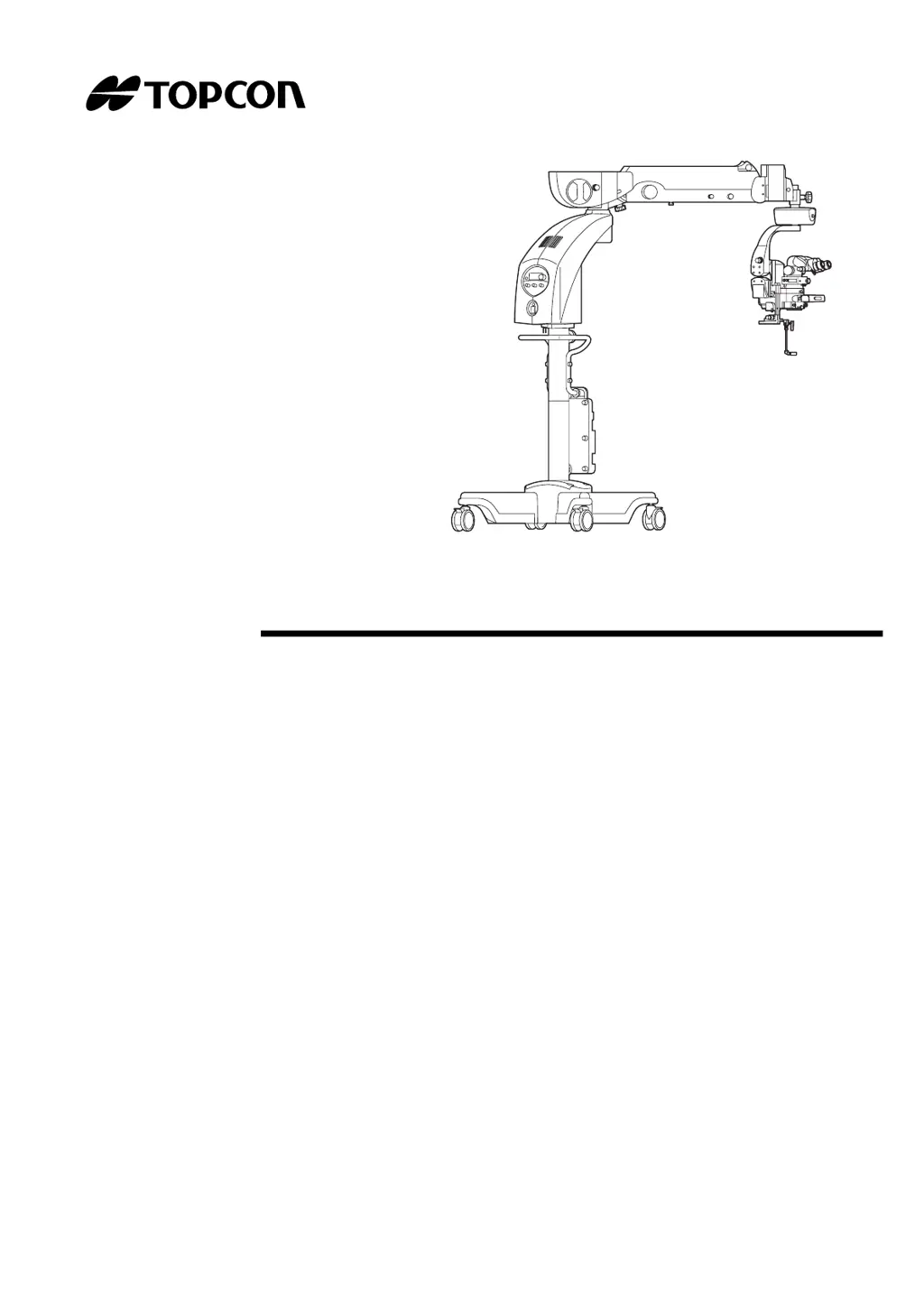
OPERATION MICROSCOPE
OMS-800

Table of Contents

Questions and Answers

  • G
    ginaharperAug 9, 2025
    How to fix a blurry image on Topcon OMS-800 Microscope even after focusing?
    • S
      santiagojamesAug 9, 2025
      If the image remains out of focus even after focusing your Topcon Microscope, the weight of the 2nd arm vertical movement may not be balanced. Try adjusting the balance with the 2nd arm balance adjustment handle.
  • W
    wfrankAug 13, 2025
    What to do if the illumination light intensity adjustment switch of the foot switch doesn't work on my Topcon OMS-800?
    • B
      Brian WilliamsAug 13, 2025
      If the light cannot be adjusted with the illumination light intensity adjustment switch of the foot switch on your Topcon Microscope, the instrument may be in the front lens use ready condition (disconnected or take-out condition). Store the front lens and adjust the light on the 1st arm panel.
  • D
    Darrell NelsonAug 18, 2025
    Why is the illumination field uneven or dark on my Topcon Microscope?
    • A
      Alyssa FloresAug 18, 2025
      An uneven or dark illumination field on your Topcon Microscope can be due to a couple of reasons. First, ensure the lamp is inserted correctly. If it is, the issue might be that you're not using the specified lamp. Replace the lamp with the correct one to resolve this.
  • M
    Melody KlineAug 25, 2025
    What to do if the initial switch on my Topcon Microscope doesn't work?
    • D
      David HansonAug 25, 2025
      If the initial switch does not work except for the X-Y translator on your Topcon Microscope, the instrument is likely in the front lens use ready condition (disconnected or take-out condition). To resolve this, store the front lens.
  • M
    meganhuntAug 29, 2025
    Why is the spare lamp indicator light blinking on my Topcon Microscope?
    • J
      James WhiteAug 29, 2025
      If the spare lamp indicator light is blinking on the panel of your Topcon Microscope, it means the spare lamp has either burned out or hasn't been installed. Replace the spare lamp or install a new one to resolve this.
  • D
    David KelleyNov 3, 2025
    Why is the illumination lamp not working on my Topcon Microscope?
    • J
      Jessica DayNov 3, 2025
      There are several reasons why the illumination lamp might not be lighting up on your Topcon Microscope. First, check that the light intensity isn't set to "0". If it is, adjust it as needed. Next, ensure the power plug is securely connected to the power outlet and that the power switch is turned ON. Also, verify that the terminal screw is tightened securely. The circuit breaker might be in operation, so try resetting it. If you are using a foot switch, confirm that the illumination blinking switch is not OFF. Another possibility is that LAMP A has not been completely changed over to LAMP B; if this is the case, turn the lamp house unit correctly to change it. Finally, make sure the lamp house unit is fully pushed into the instrument until it fits snugly. If none of these steps work, the il...

Summary

INTRODUCTION

SAFETY INFORMATION

DISPLAY FOR SAFE USE

Explains safety displays and icons used in the manual.

SAFETY CAUTIONS

Lists important safety precautions and warnings for operating the microscope.

MAINTENANCE AND INSPECTION

USER MAINTENANCE

Details user-serviceable parts and basic maintenance tasks.

REPLACEMENT OF THE SPARE LAMP

How to replace the lamp.

WARNING INDICATIONS AND POSITIONS

OFFISS Model Warnings

Warnings for OFFISS.

OFFISS Lite Model Warnings

Warnings for OFFISS Lite.

Pro Model Warnings

Warnings for Pro.

Pro Lite Model Warnings

Warnings for Pro Lite.

Standard Model Warnings

Warnings for Standard.

NOMENCLATURE AND COMPONENTS

OFFISS Model Nomenclature

Parts diagram for OFFISS.

OFFISS Lite Model Nomenclature

Parts diagram for OFFISS Lite.

Pro Model Nomenclature

Parts diagram for Pro.

Pro Lite Model Nomenclature

Parts diagram for Pro Lite.

Standard Model Nomenclature

Parts diagram for Standard.

PREPARATIONS BEFORE USE

TURNING ON THE POWER

Steps for powering up the unit.

ACCESSORY INSTALLATION AND ADJUSTMENTS

Setting accessories, arm balance, and limits.

INITIALIZATION AND LOCKING MECHANISMS

System initialization and arm locking procedures.

OPERATIONS IN USE

FOOT SWITCH OPERATION

Using the foot switch controls for different models.

MANUAL KNOB AND PANEL OPERATIONS

Using manual controls and the operation panel.

FOCUS, ZOOM, AND ILLUMINATION ADJUSTMENTS

Adjusting optical and light settings.

FRONT LENS AND OPTICAL ACCESSORIES

Using special optical components like the front lens.

AFTER USE PROCEDURES

MOVING AND STORING

Safe handling for relocation.

TROUBLESHOOTING

TROUBLESHOOTING GUIDE

A checklist to identify and resolve malfunctions.

ERROR CODES

Explanation of error messages.

CONSUMABLE PARTS AND SPECIFICATIONS

CONSUMABLE PARTS LIST

List of consumable items.

BASIC SPECIFICATIONS

Technical details of the microscope.

ELECTROMAGNETIC COMPATIBILITY

EMC compliance information.

MAINTENANCE AND INSPECTION: Common

CLEANING PROCEDURES

How to clean lenses and other parts.

DAILY CHECK

Routine checks before operation.

SYSTEM OUTLINE AND ACCESSORIES

PERMITTED WEIGHT FOR ACCESSORIES TO BE INSTALLED

Max allowable weight for accessories on each model.

Topcon OMS-800 Specifications

General IconGeneral
BrandTopcon
ModelOMS-800
CategoryMicroscope
LanguageEnglish

Related product manuals