82
OPERATIONS IN USE
PROCEDURE IN EMERGENCY: Standard
In an emergency, follow the check list below and contact your distributor. If you do not encounter your
problem in the "Status" column, please contact your distributor.
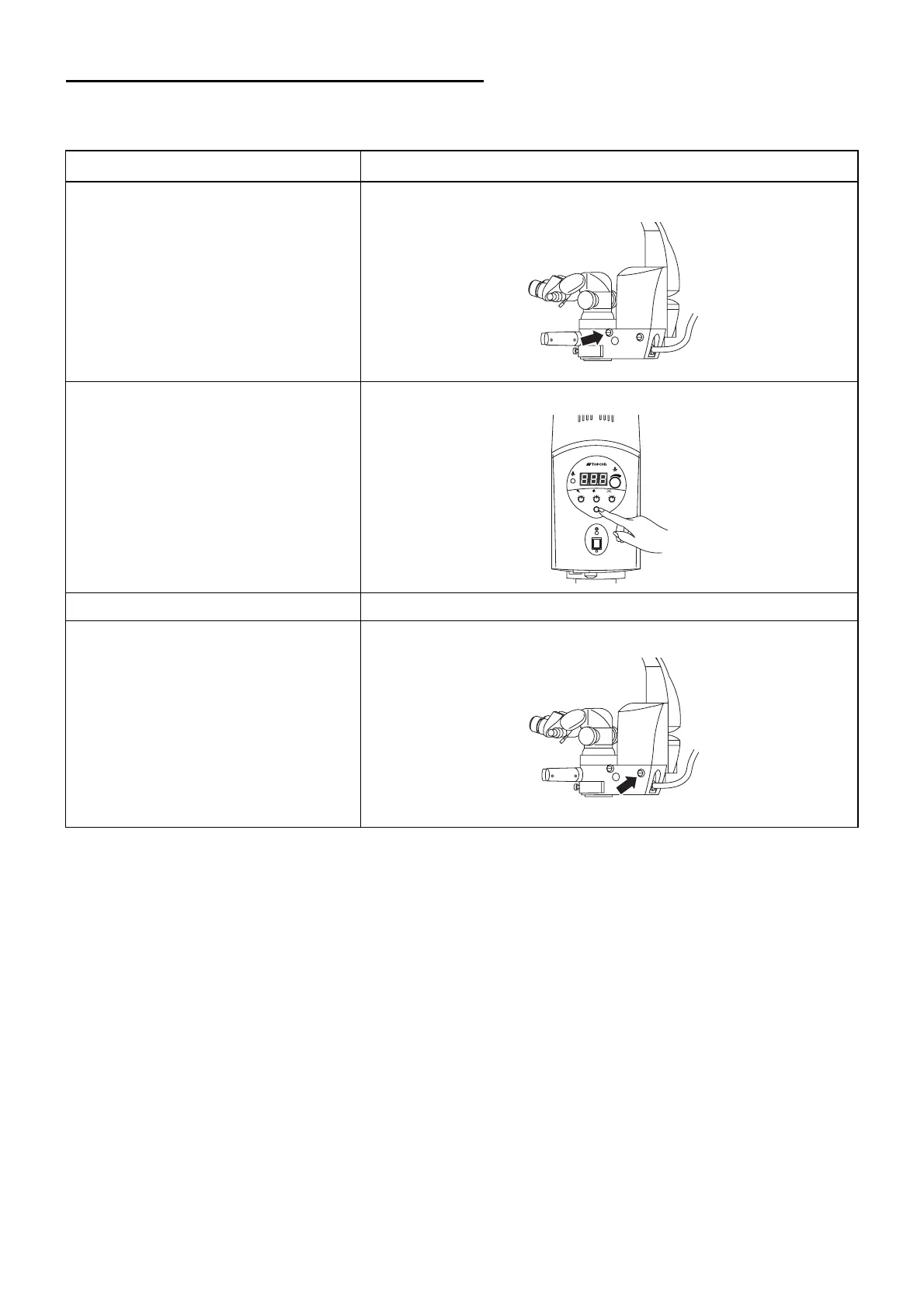
Status Procedure
Zoom mechanism does not work. Adjust the zoom manual knob with a coin, etc.
An error is displayed. Press the EXIT switch on the 1st arm panel to reset.
The focusing unit does not work. Move the 2nd arm up and down for focusing.
The illumination angle switch does
not work.
Adjust the illumination angle manual knob with a coin, etc.
EXIT
SPARE
MAIN
FOCUS
XY
ZOOM
1
2
3
4
5
1
2
3
4
5
1
2
3
4
5



 To Next Page