Basic Operation
13
Following parameters surrounded that you must set for RC-2RW and total station.
●
Setting Parameters in total station
The content of each set item of "EXT.LINK" is the following.
Moreover, please refer to Chapter 8.1.2 of the total station's manual for [F6]Parameters.
●
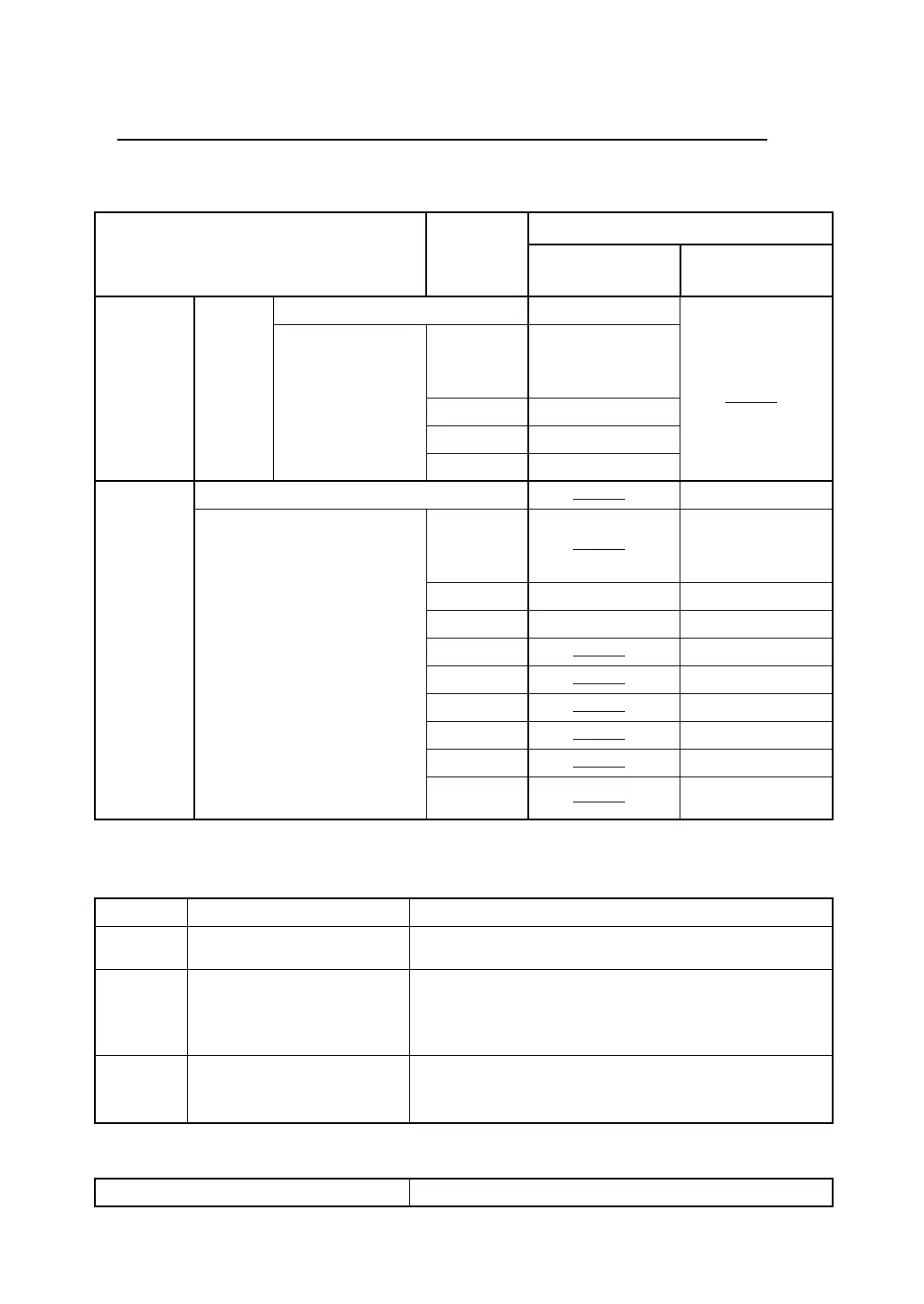
Setting Parameters in RC-2RW
Operation
Item
Setting
By using "EXT.LINK"
(AP-L1 communication
mode)
Without using "EXT.LINK"
(GTS communication
mode)
Main menu
|
[F1]Prog
|
EXT.LINK
[F2]Setting
[F1]CABLE/RADIO MODEM/RC RC
[F3]PARAMETER(RC)
Channel
Select
Matches the commu-
nication channel to
RC-2RW.
Te r minate Select
Retry Select
REC TYPE Select
Main menu
|
[F6]Para
|
[F2]Com.
[F1]Serial Port RS232C/RC
RC
[F3]Set RC
Channel
Select
Matches the commu-
nication channel to
RC-2RW.
V.Search Select Select
RC Select Select
Retry
Select
Delimit
Select
REC-A/B
Select
NEZ-REC
Select
Tr k State
Select
Other
parameters
Fixation
Channel 1/2/3
Refer to "Setting Mode".
Te r minate ETX / ETX+CR / ETX+CR+LF
Select the option OFF or ON for carriage return and line feed
when collecting measurement data with a data collector.
Retry Standard/Divided
Selecting the method of the data re-transmitting.
Standard : This is offered in normal condition.
Divided : Using in bad condition such in long distance, bad
condition of sight, strong heat simmer.
REC TYPE REC-A /REC-B
Select the option to record the data.
REC-A : The measurement is started and new data is output.
REC-B : The data memorized in total station is output.
Communication channel Select
Table of item to be set



 To Next Page