46
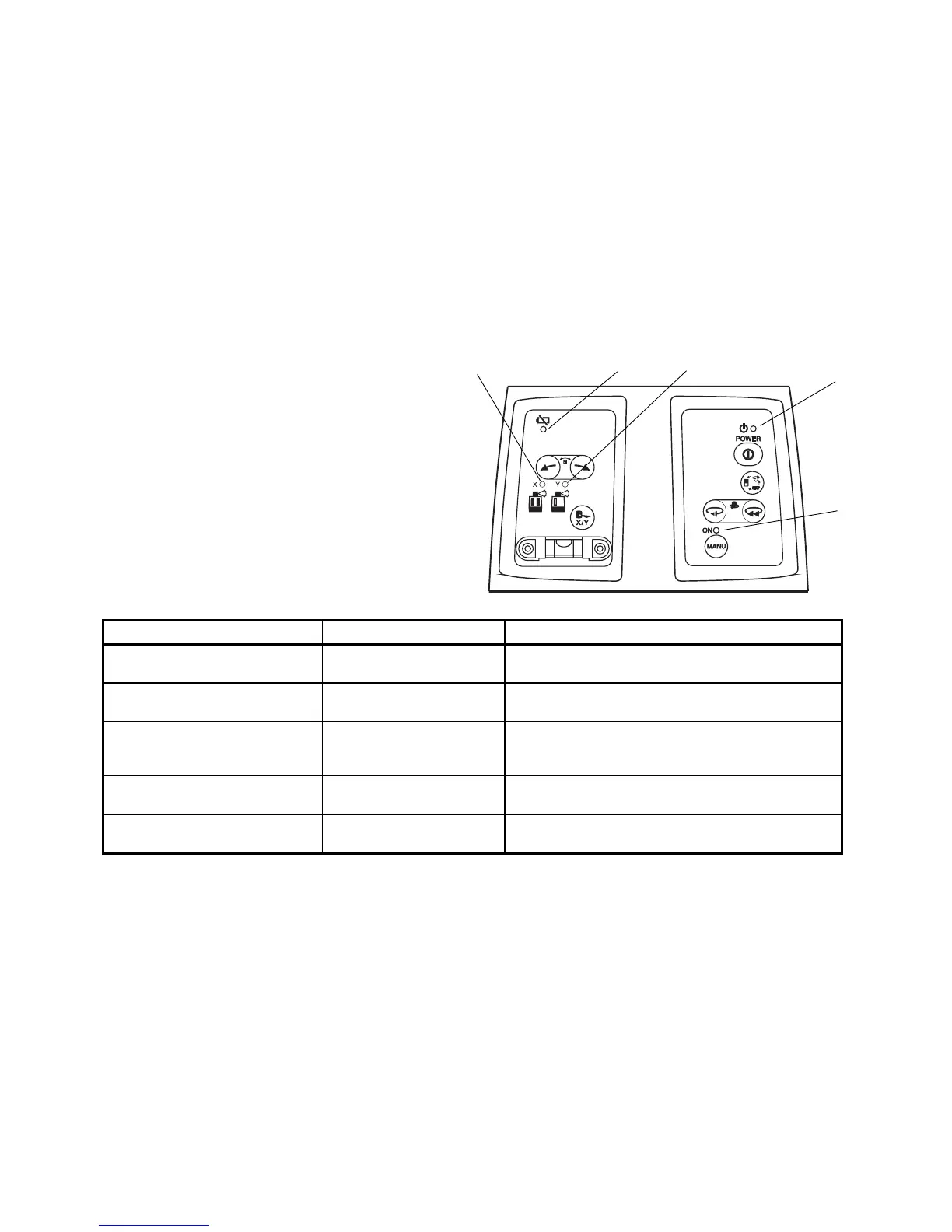
Error Code
Use the table below to determine opera-
tion errors indicated by blinking lamps on
the control panel.
If corrective action listed does not correct
error, please contact your local Topcon
dealer.
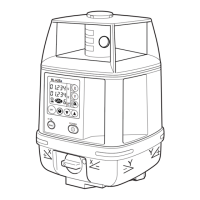
Lamp Indication Error Code Corrective Action
Lamp A, B and C blink in turn Auto-leveling range error Correct tilt of the instrument until it less than 5 de-
grees.
Lamp C lights Battery power out error Replace all 4 batteries with new ones at the same
time.
Lamp A, B and C blink simulta-
neously
Height alert error Turn power off, rough level the instrument, then turn
power on again. Check height of laser beam as it
may have changed.
Lamp B blinks Calibration error Repeat calibration procedure. If error repeats con-
tact your local Topcon dealer.
Lamp D and E blink simulta-
neously
Internal error Turn power off, then on again. If error repeats con-
tact your local Topcon dealer.
C E
D
A
B



 To Next Page