6. BASIC OPERATION
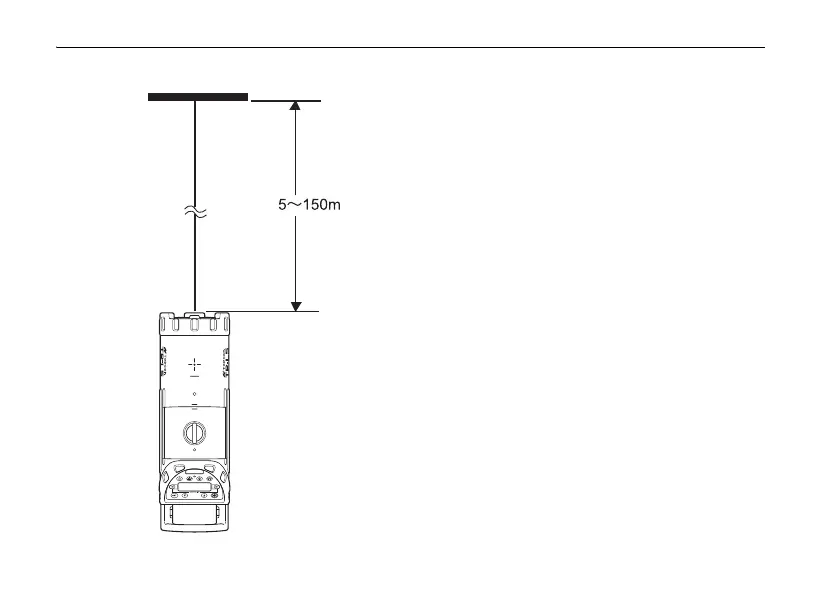
Target
Set the target so the detection strips face the front of the
instrument.
• Large atmospheric motions could shorten the range of use of
automatic alignment. To prevent atmospheric motions from
occurring, limit the working range within the shade or use a
blower (commercially-available) for working.
• When using the RC-200 remote control at close range during
auto alignment mode, the laser may be subject to stop outside
the target. Press the automatic alignment key to start automatic
alignment again.















 To Next Page