6. BASIC OPERATION
41
Display
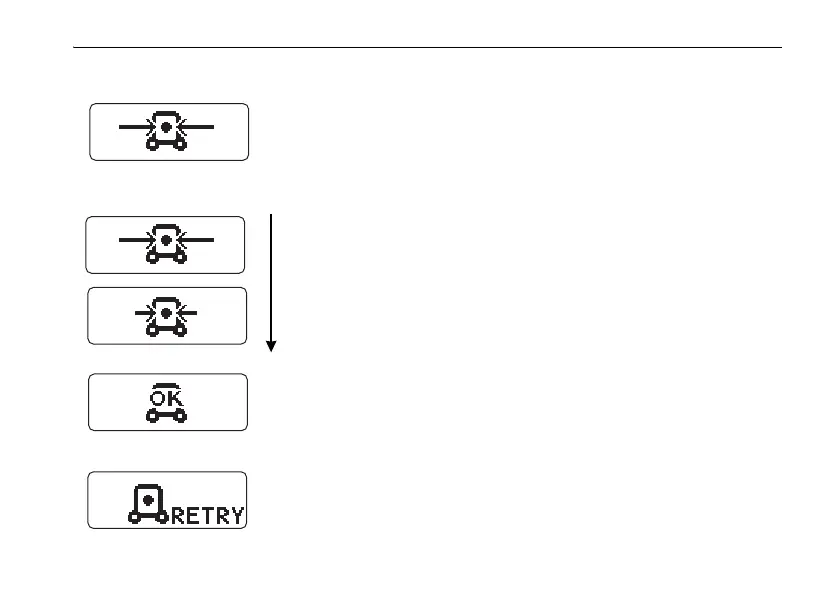
The display shows auto leveling is in process.
After auto leveling is completed, automatic alignment starts.
The display shows auto alignment is in process.
Each step shows alignment progress.
Automatic alignment in progress
Automatic alignment will finish soon.
Alignment is completed.
Confirm the laser beam on the target. If necessary, use the laser
right/left key or the remote control RC-200 and align the laser
precisely.
Alignment target is lost during auto alignment mode. Reset the
instrument and press the automatic alignment key again.















 To Next Page