59
OBJECTIVE OPERATIONS
IMAGE PLAYBACK MODE
Reading the image
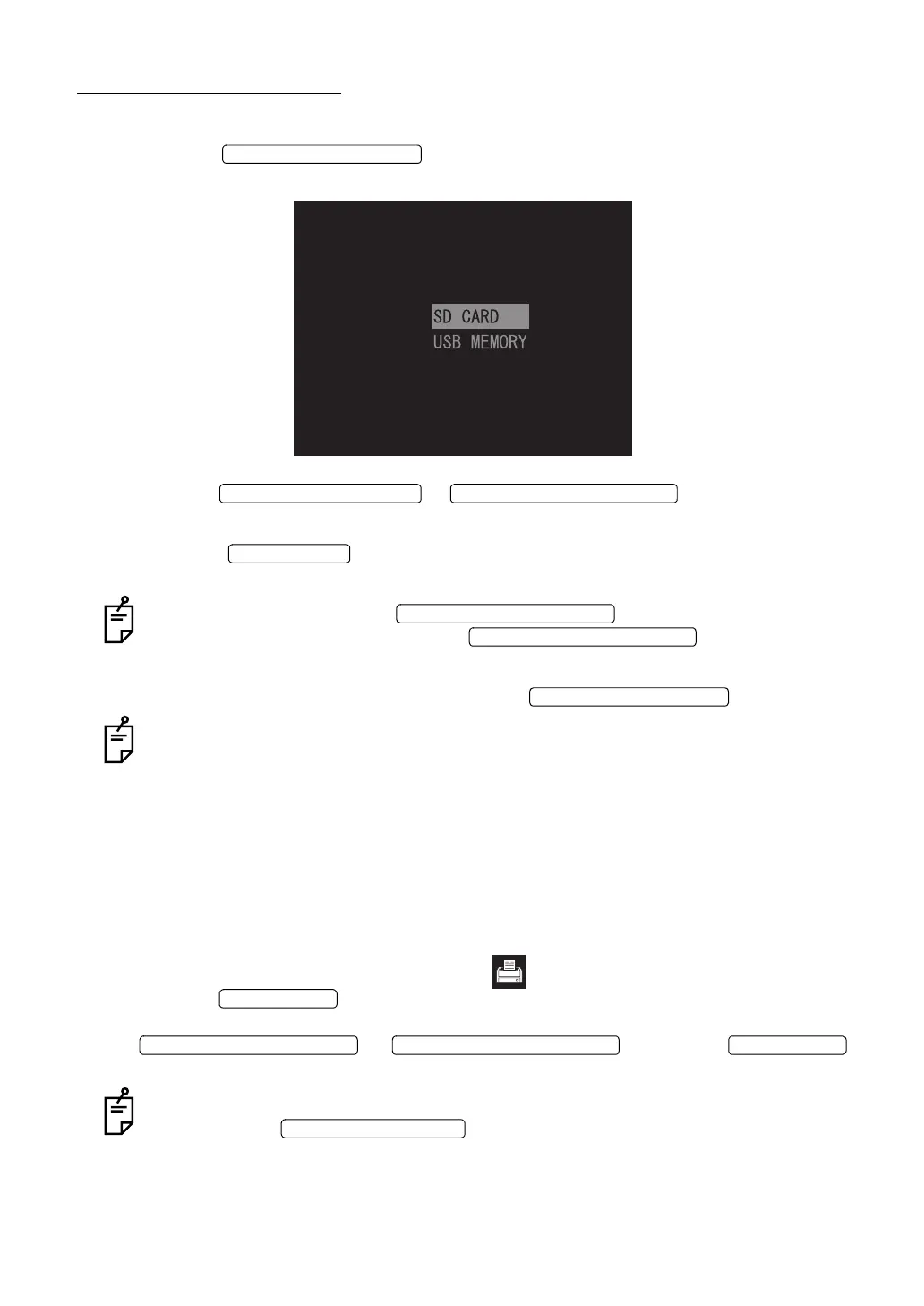
1 Press the on the Monitor screen. The following screen is indi-
cated on the color LCD monitor.
2 Press the or to select "SD CARD"
or "USB MEMORY".
3 Press the to decide the selected item. The image is read from the
selected the recording medium.
In this condition, press the , and the preceding photo-
graphed image is displayed. Press the , and the next pho-
tographed image is displayed.
4 To exit from the image playback mode, press the .
The image playback switch is invalid during stereo photography.
Printing the image
When a digital printer applicable to Pict Bridge is connected to the instrument, direct print can
be done.
1 Display the image to be printed on the color LCD monitor. For displaying it, refer to the
above-mentioned "Reading the image".
2 Make sure that the printer recognition icon appears on the color LCD monitor and
press the . The screen to confirm whether the image should be printed or
not appears. Select "CANCEL" to suspend printing, and "OK" to execute printing with the
or . Press the
again, and the image is printed.
When the preview screen appears right after taking a picture, the image is also printed
by pressing the .
IMAGE PLAYBACK SWITCH
UPWARD CURSOR SWITCH DOWNWARD CURSOR SWITCH
ENTER SWITCH
LEFTWARD CURSOR SWITCH
RIGHTWARD CURSOR SWITCH
IMAGE PLAYBACK SWITCH
PRINT SWITCH
LEFTWARD CURSOR SWITCH RIGHTWARD CURSOR SWITCH PRINT SWITCH
PHOTOGRAPHY SWITCH


 To Next Page