61
BEFORE REQUESTING SERVICE
BEFORE REQUESTING SERVICE
TROUBLESHOOTING
Messages displayed during operation
If any other error except the above has occurred, turn off the power switch and contact
your dealer or TOPCON (see the back cover).
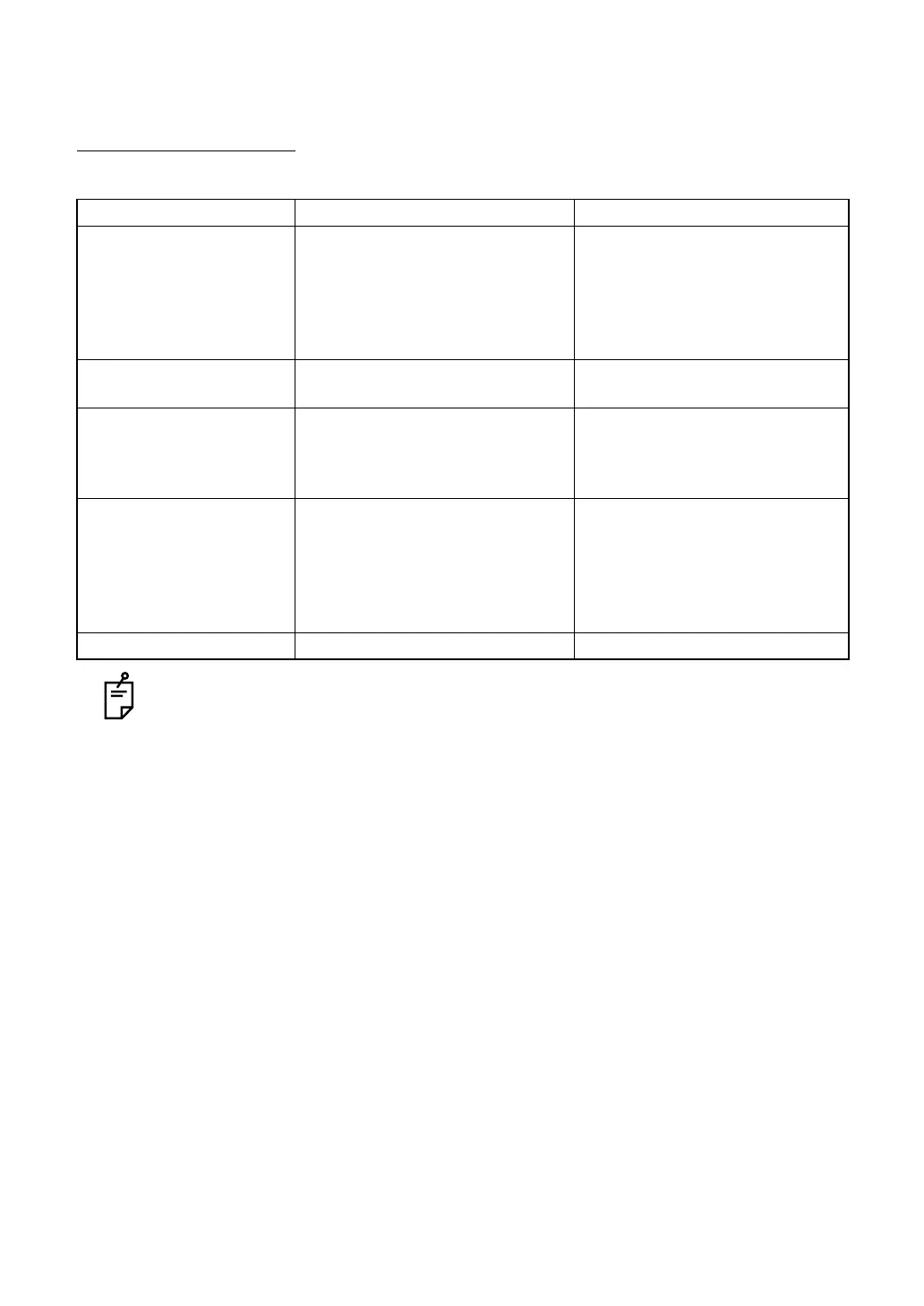
Error message Explanation How to cancel
CHECK CAMERA!! Camera connection error Check the connection of the digi-
tal camera. If it is necessary to
connect the camera again, turn
OFF the power. Connect the
camera correctly and then turn
ON the power again.
NO SDCARD!! The SD card is not inserted. Insert the SD card or set "OFF"
for the SD card.
SD FULL OR LOCKED!!
(USB MEMORY FULL!!)
The SD card is locked or it does
not have free capacity. (The USB
memory does not have free
capacity.)
Delete the images on the SD
card (the USB memory). If they
cannot be deleted, check if the
SD card is locked.
CHECK USB!! The destination for the USB con-
nection is not found.
Check the connection of the
USB. If it is necessary to con-
nect the USB again, turn OFF the
power. Connect the USB cor-
rectly and then turn ON the
power again.
INTERLOCK ERROR!! The cover is open. Close the cover.


 To Next Page