P/N 7010-0815
Chapter 2
2-1
TRL-35 Configuration
Installing Modem-TPS
Modem-TPS is a configuration program for the TRL-35.
Modem-TPS is available from the TPS website as well as on the
GPS+ Software CD.
Modem-TPS version 2.2p0 or later is required to interface with the
TRL-35.
The computer requirement for Modem-TPS is a PC running Windows
98, 2000, NT, or XP.
Perform the following steps to install Modem-TPS:
1. Navigate to the location of the Modem-TPS program and double-
click the Setup.exe icon.
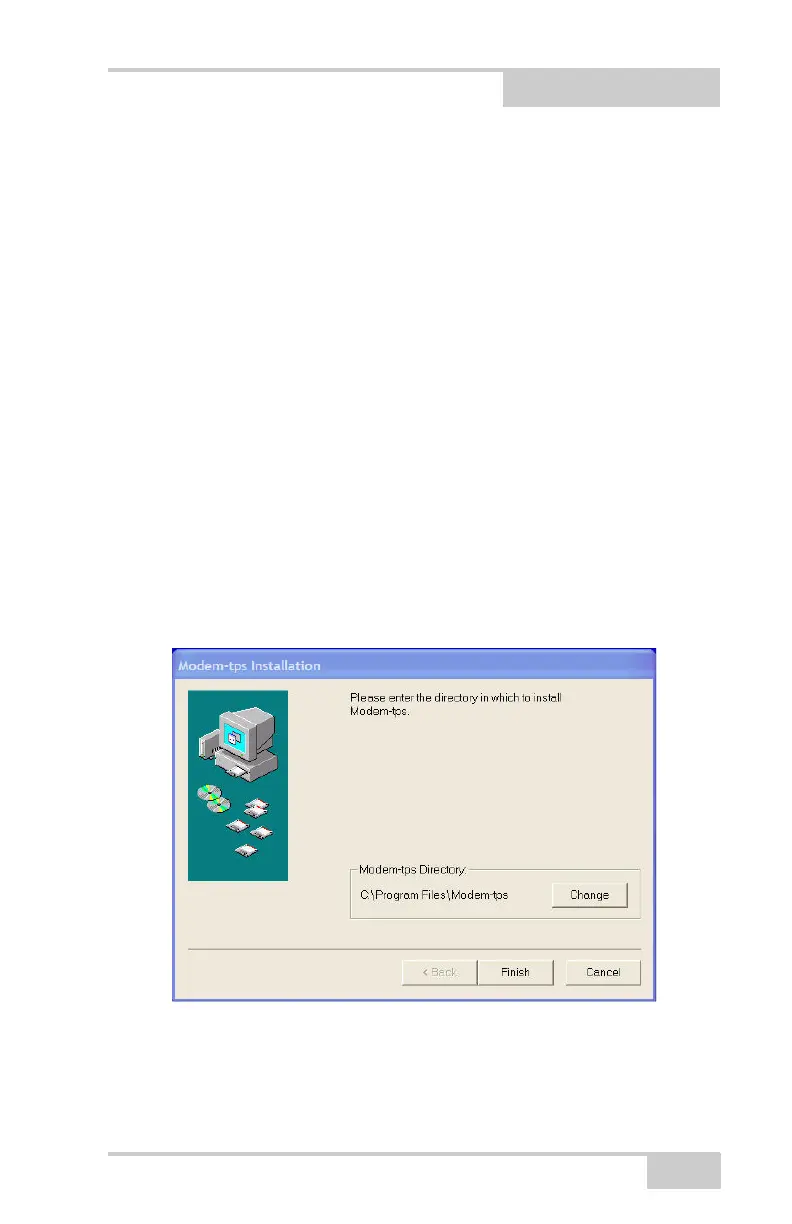
Figure 2-1. Modem-TPS Installation Screen
2. Keep the default installation directory or select a new location to
install the program.



 To Next Page