TRL-35 Configuration
TRL-35 Operator’s Manual
2-2
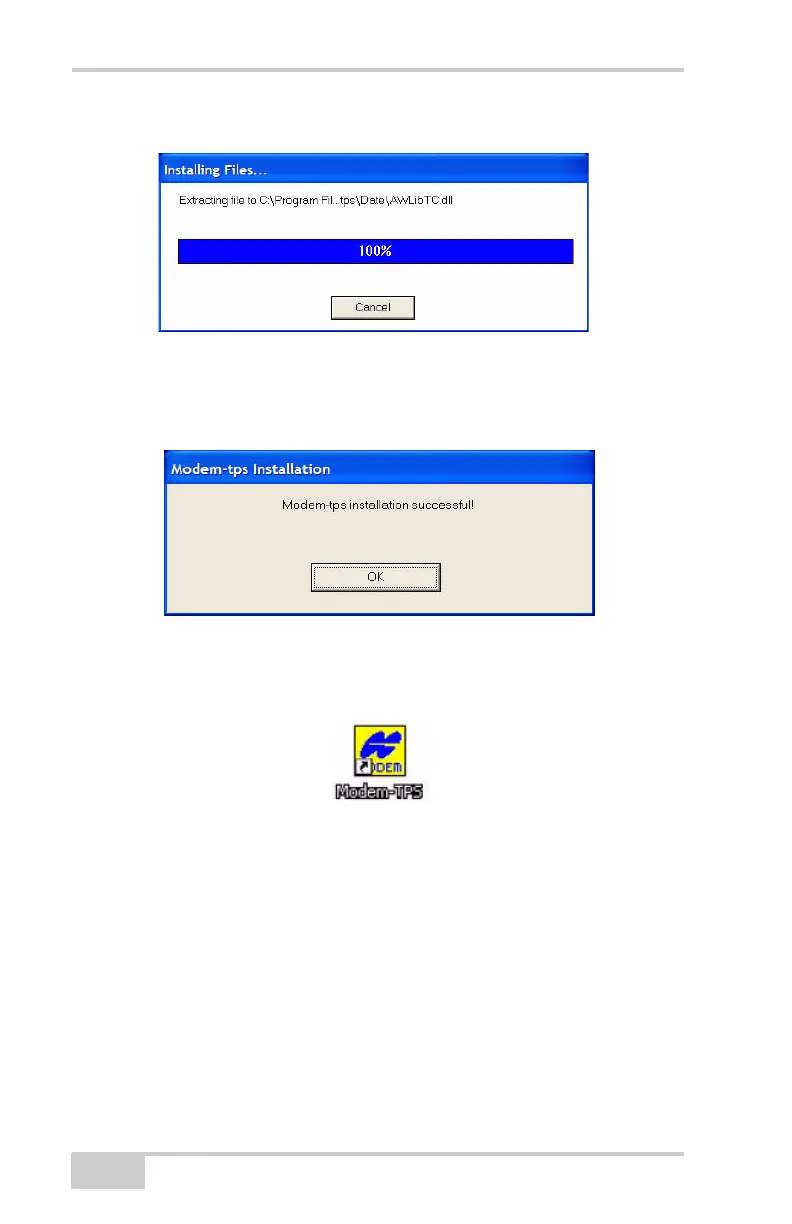
A pop-up appears that shows you the installation progress.
Figure 2-2. Installation Pop-up Showing Percentage of Completion
3. Click Finish.
4. Click OK to complete the installation.
Figure 2-3. Final Step Showing Successful Modem-TPS Installation
5. Optionally, create a shortcut on your computer’s desktop for
quick access to Modem-TPS.
Uninstalling Modem-TPS
To uninstall Modem-TPS use the Start menu on your computer.
1. Click StartProgramsModem-TPSUninstall Modem-
TPS.
2. Click Yes at the prompt.
3. Click OK when the uninstall is complete.



 To Next Page