TRL-35 Configuration
TRL-35 Operator’s Manual
2-4
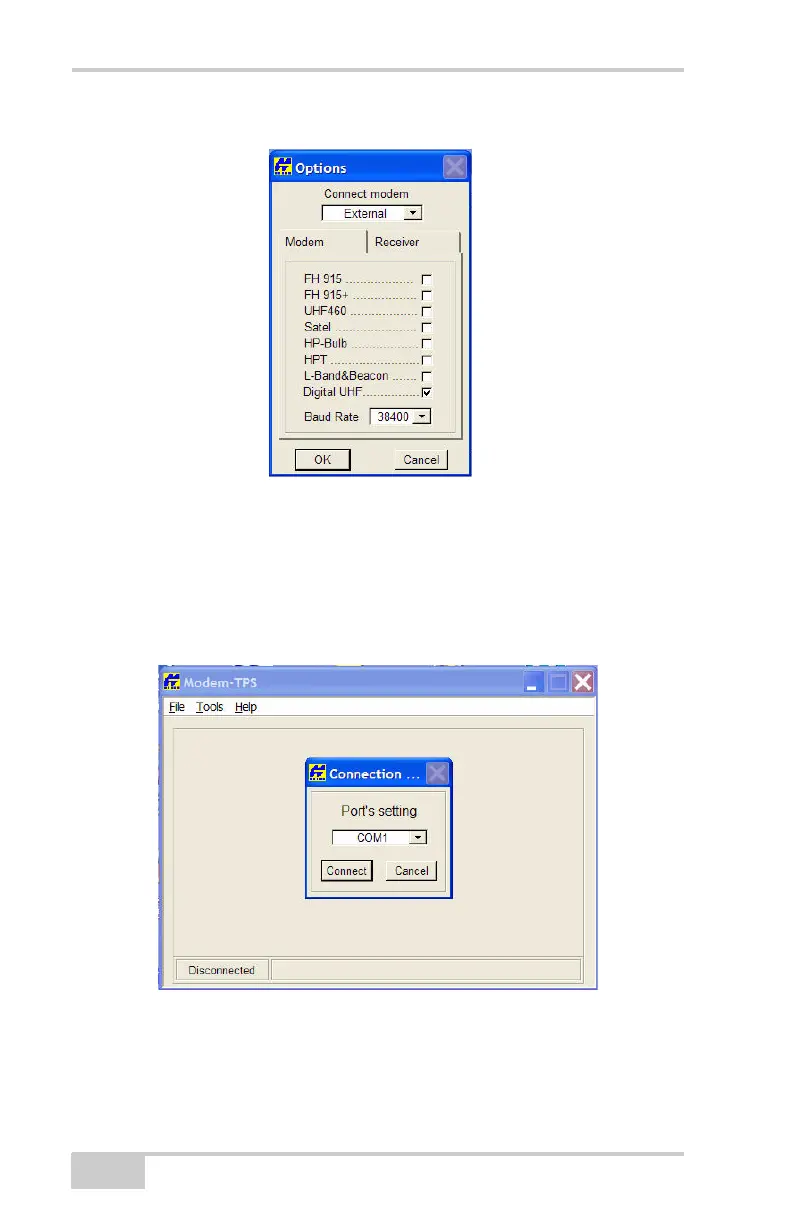
Figure 2-4. Tools-Options Screen
6. Confirm that the applicable radio modem options have a check
mark, as shown in Figure 2-4. Once configured, click OK.
7. Go to FileConnect in Modem-TPS and choose the COM Port
the TRL-35 connects to on your computer, and then click
Connect.
Figure 2-5. Selecting the COM Port to which the TRL-35 Connects
8. On the Radio Link screen, select the parameters shown in
Figure 2-6 to set the TRL-35 as a transmitter in PDL Protocol.



 To Next Page