TRL-35 Configuration
TRL-35 Operator’s Manual
2-6
Receiver only. The TRL-35 currently does not support
Repeater mode in the PDL protocol.
• Link Rate
The default link rate for GMSK is 9600 and is recommended
for most applications. The link rate is the rate at which data is
transmitted over the RF Link.
•
Output power
Select the level of power for RF transmissions ranging
from 500 mW to 32W (45 dBm)
.
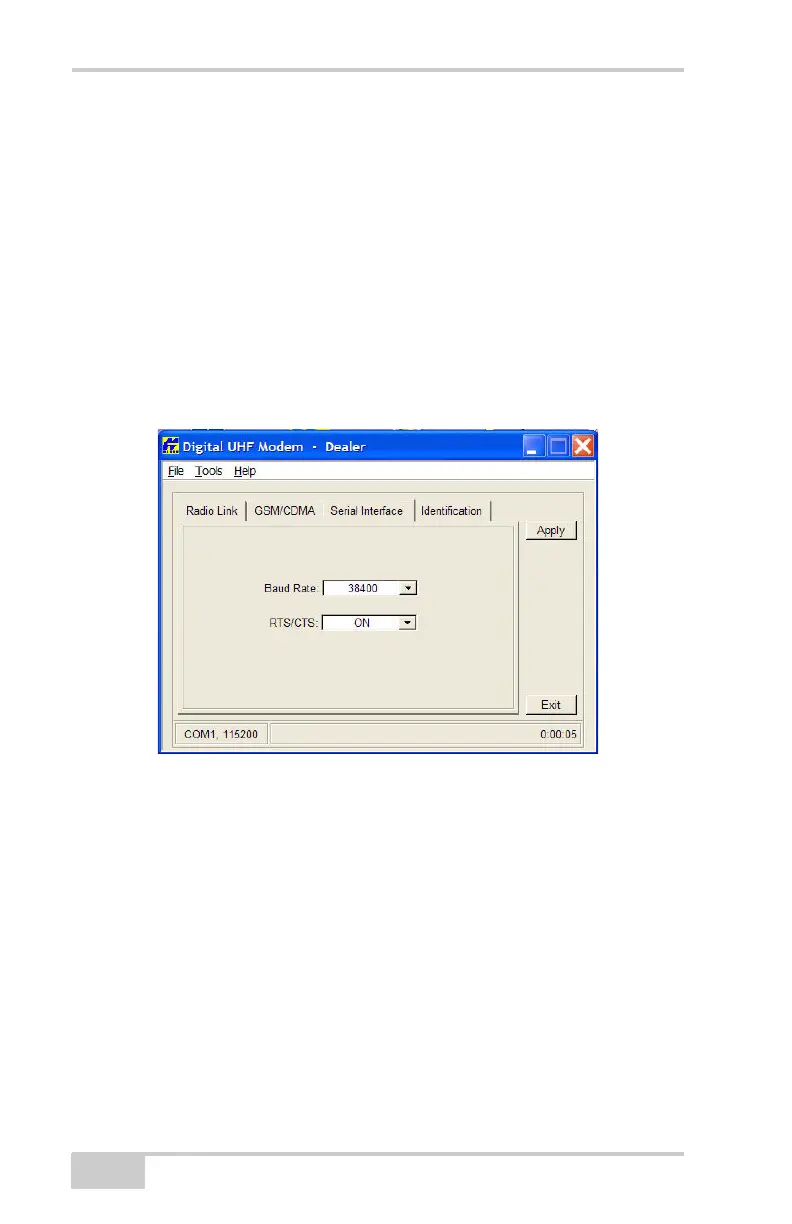
9. Click on the Serial Interface tab.
Figure 2-7. Serial Interface Screen
10. On the Serial Interface screen, select the Baud Rate for the
modem’s serial port.
The same rate must be used for both the receiver and the
transmitter. The recommended baud rate is 38400.
11. Select the RTS/CTS (Ready to Send/Command to Send) to be
ON.
12. Click Apply.
13. Click on FileDisconnect.
14. To close Modem-TPS, choose FileExit.
15. Launch PC-CDU with the TRL-35 connected to a receiver and
setup the receiver to run as an RTK Base station.



 To Next Page