1
2
3
4
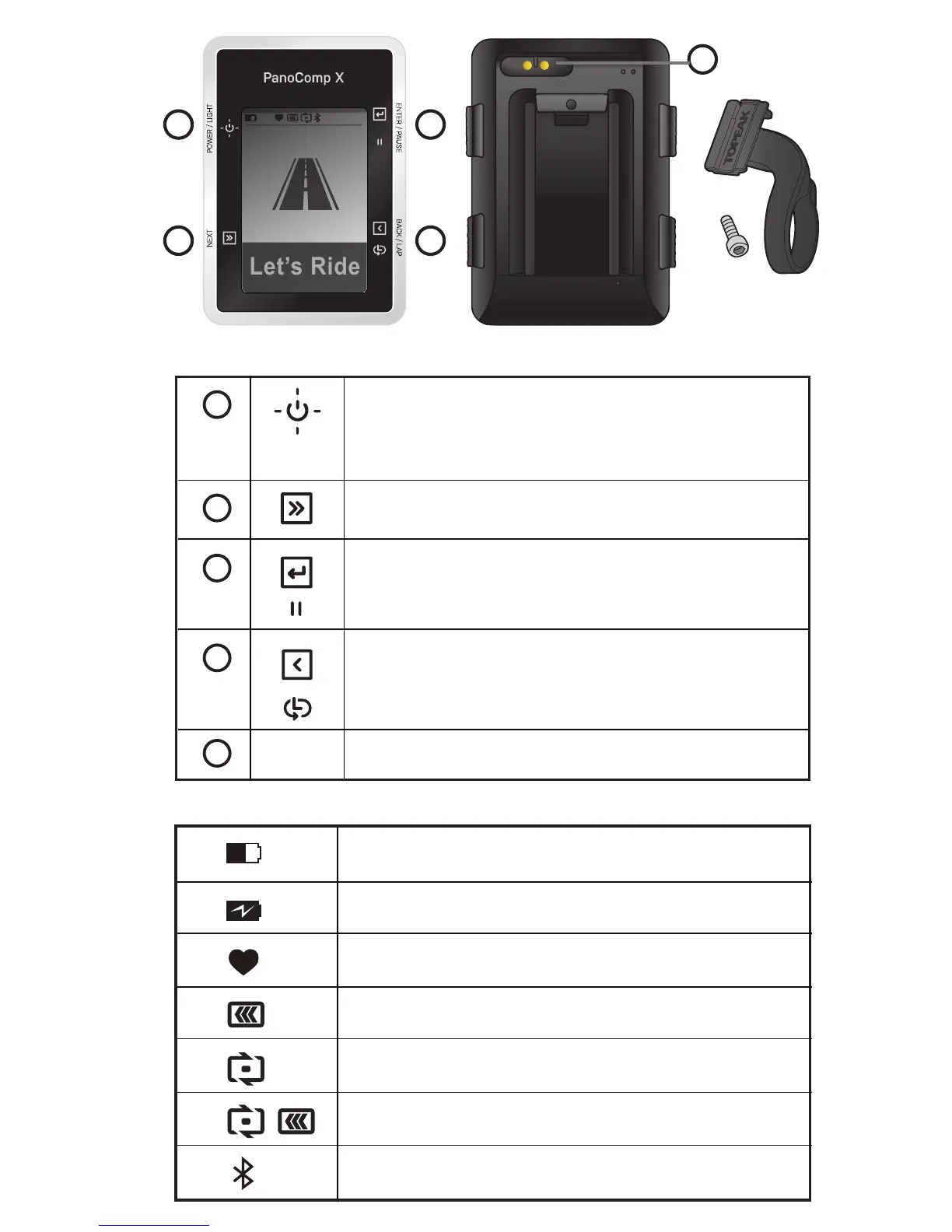
KEYS
1
2
3
4
5
Press to turn the computer on.
Press and hold for 2 sec to turn off.
Press to switch on/off the backlight.
Return to the previous page.
Select to mark a new lap.
MagUSB Charge Port.
Select to view the setup menu.
Select to enter and confirm.
Press to pause riding.
67% 33°c 21:30
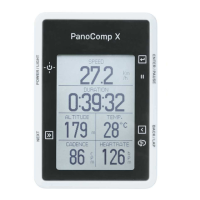
Home Screen Overview Icons show battery level and connectivity.
Power indicator.
Charging
Heart Rate sensor connected.
Speed sensor connected.
Cadence sensor connected.
Speed/cadence sensor connected.
Smartphone connected.
67%
5
PanoComp X Mount
(Fits ø 31.8 mm
handlebars only).





 To Next Page