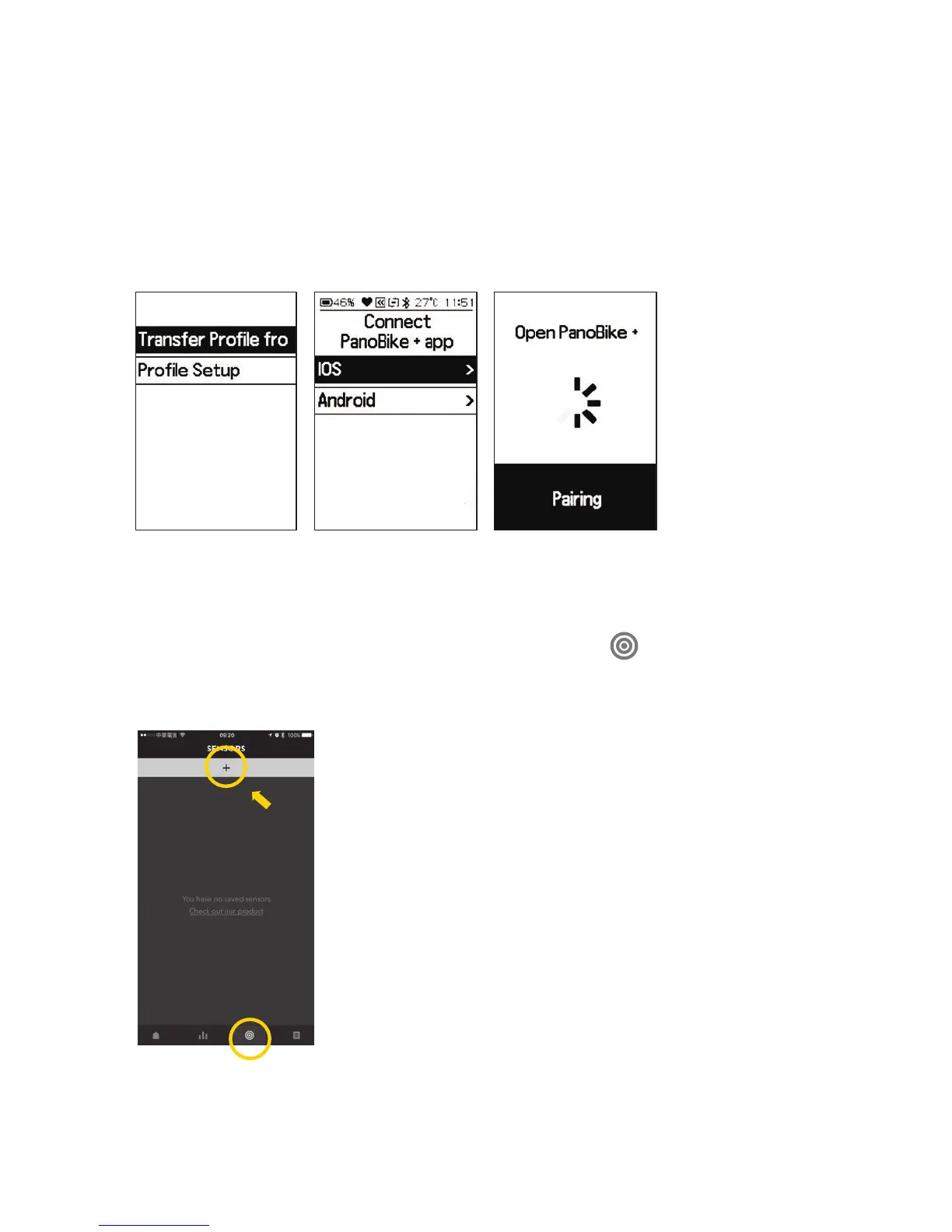
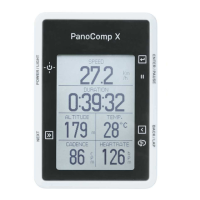
1. Start PanoComp X
Setting in PanoBike+ app or in PanoComp X,
see section 3.3 on how to pair PanoBike+ app to PanoComp X.
1.1 Settings from PanoBike+ app :
• Debut screen > Select language >
transfer profile from PanoBike+ app. >
Select system : iOS or Android
• Turn on Bluetooth mode on your smartphone.
• Turn on PanoBike+ app, tap the "Sensors" ( ) icon,
tap the "+" symbol to start the pairing process.





 To Next Page