Copyright © 2010 Topscan Ltd. All Rights Reserved.
Preview
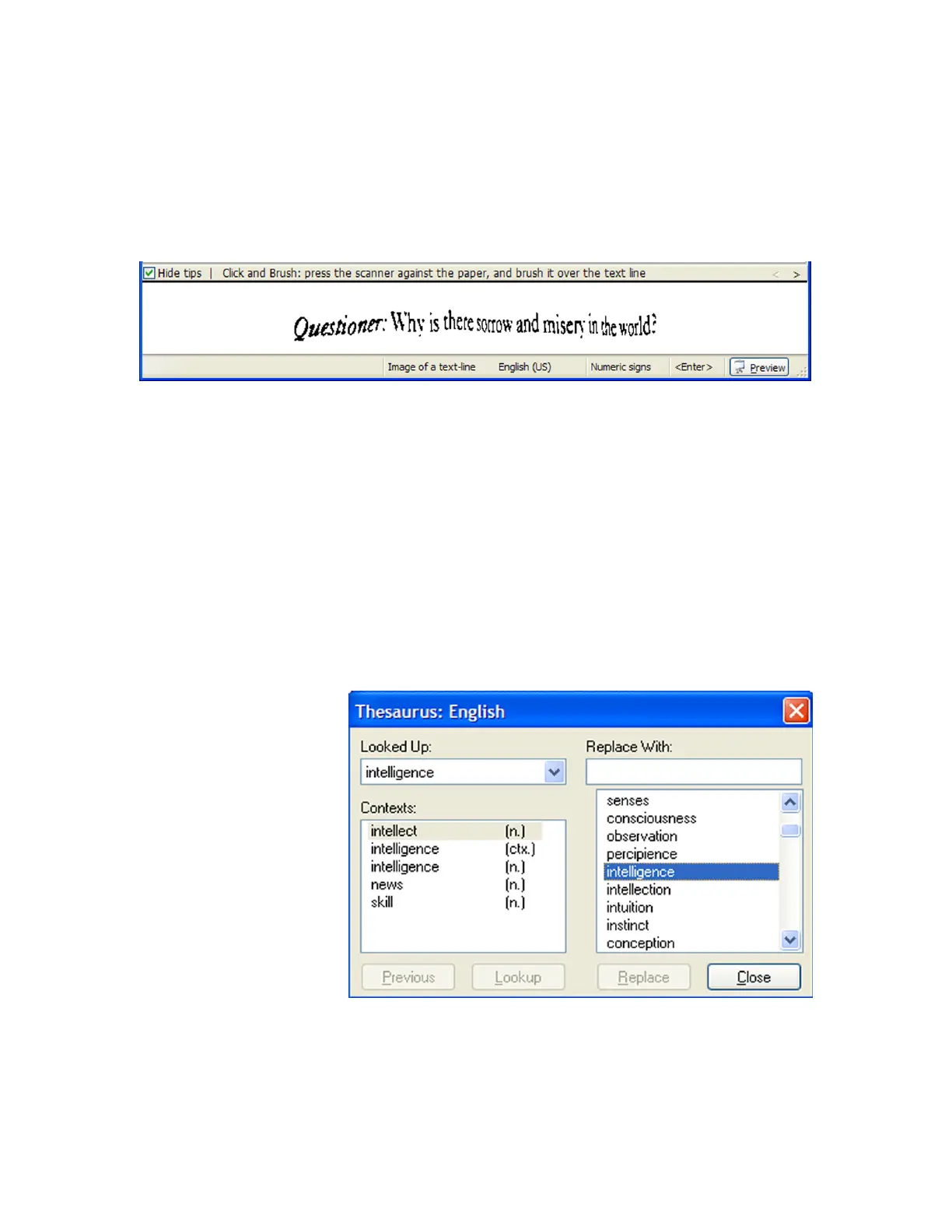
While using the “Image Collector” you can view the preview panel. The Preview panel is
your immediate feedback: did the scan capture the entire line of interest?
Use the Preview panel to get familiar with your pen: you get to see what the scanner
actually read, and you can immediately see how steady and straight your line of interest
was captured. After scanning on each and every mode you can always change to the
“Image Collector” and see on the preview what your scanner actually read.
Thesaurus
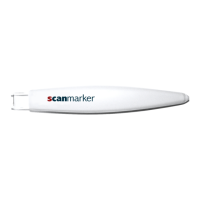
Scan to get Thesaurus mode helps finding different words with an identical meaning.
The word you scanned
would be checked for
identical meanings and
contexts.
The Thesaurus mode
finds alternative
suggestions to the
scanned word and
replaces your word with a
suggestion you choose.
To access the
Thesaurus, simply click
"Thesaurus" from the
menu. To look-up a word
using the Thesaurus
feature first scan the
word you wish to look-up.
For best results start
scanning well before the
word begins. If the word is
in the middle of the sentence, consider positioning the scanner over the preceding word.
An example of the preview panel
An example of the Thesaurus popup Window with identical
meanings to the word you scanned


 To Next Page