Copyright © 2010 Topscan Ltd. All Rights Reserved.
• Introduction
Scanmarker is a compact, pen-shaped, handheld scanner that combines affordable
hardware with innovative scanning software for your PC.
With Scanmarker, you can scan complete sentences and words from printed material
and transfer or translate them automatically to any text-editing program such as
Microsoft Word, Notepad or even directly into your email messages. Scanning with
Scanmarker is easier than highlighting text using an ordinary yellow highlighter.
Scanning with Scanmarker saves you vast amounts of time compared with traditional
note-taking.
Scanmarker’s software also provides additional features such as image scanning, text to
speech, and thesaurus.
Scanmarker offers:
Extreme accuracy with very little practice. Scanmarker is effective and easy for
everyone to use.
Built-in software tools that enhance your scanning experience.
Getting Familiar with the Scanner
How Do I Scan?
Scanmarker was designed to make your scanning experience as easy as possible. Just
follow the steps below.
1. Hold your Scanmarker device at an angle, just as you would a pen or highlighter.
Place its two clear tips just before the text you wish to scan.
2. Ensure that the line you wish to scan is positioned in the middle, between the two
sharp tips of your Scanmarker.
3. Gently press the Scanmarker against the page until you hear a clicking sound
and a light is emitted from the Scanmarker tip. Then, slide the scanner smoothly
and fluidly across the line you want to scan.
Scanning Tip
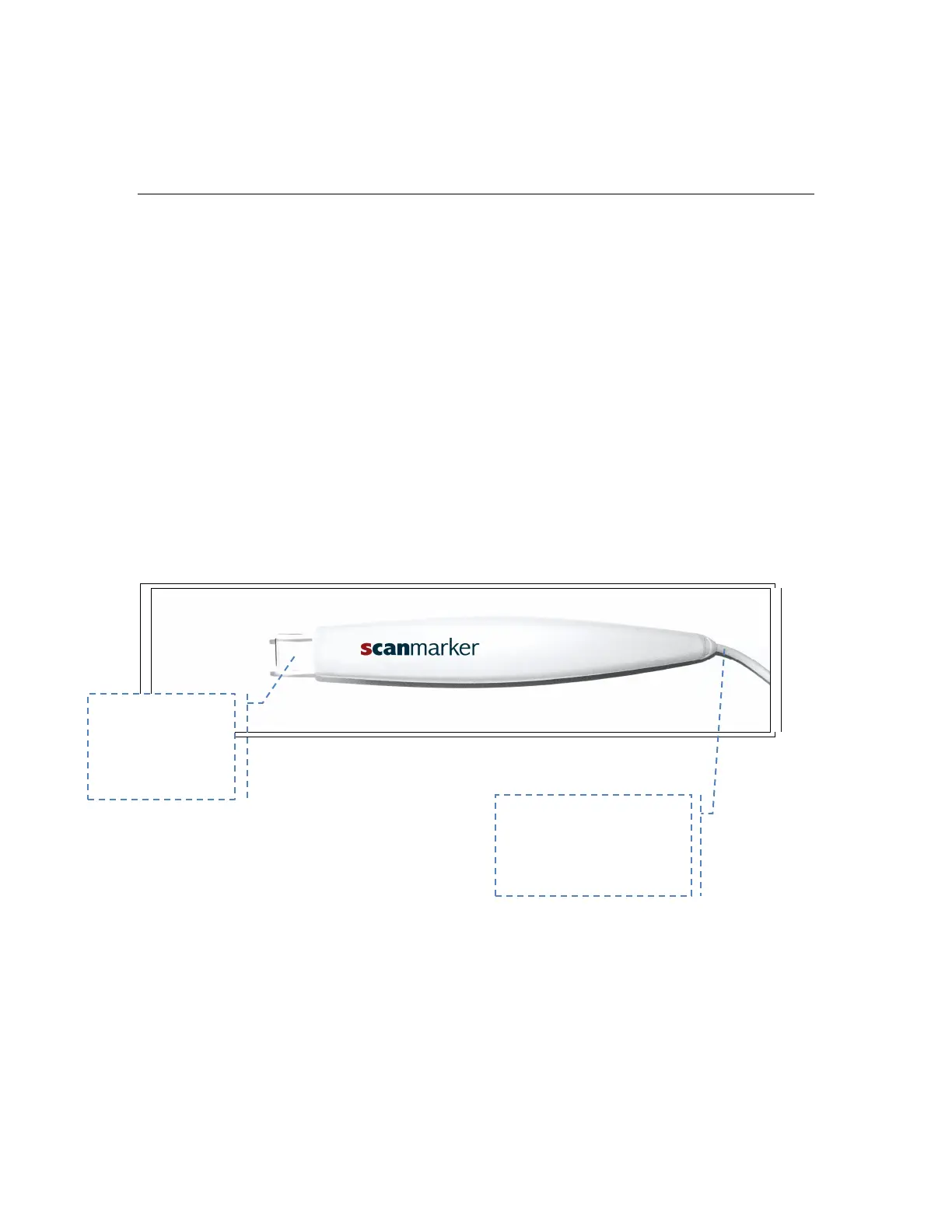
Place this part
of the scanner
on paper
Scanmarker tail
connect this end to
your computer's USB
port


 To Next Page