Copyright © 2010 Topscan Ltd. All Rights Reserved.
Tips for proper scanning:
• Avoid scanning too slowly; use quick and fluid gestures.
• Avoid pressing too hard on the page. Use gentle pressure when sliding your
scanner across the page.
• Lift your Scanmarker off the page when you reach the end of the sentence.
• Scan only one line at a time; avoid crossing over to another line while scanning.
• Avoid gripping your Scanmarker too firmly.
• Avoid twisting the scanner.
Simply click and slide!
Note: Practice makes perfect! It may take a few tries before you become completely
comfortable with Scanmarker. We encourage you to experiment with various techniques,
speeds, and types of text.
For example, try scanning at different speeds until you feel comfortable with your
Scanmarker and you have achieved the result that you want.
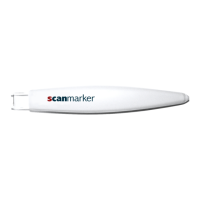
There is no single best way to hold your Scanmarker..Scanmarker is capable of
scanning at almost any angle, from nearly crouching over the page to nearly standing tall
(90°).


 To Next Page