service@toptro.com service@toptro.com
EN EN
6 7
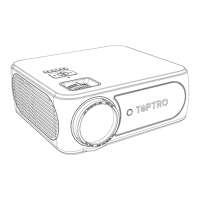
1 Projector lens Optical coated glass lens
2/11 IR window Infrared signal receiver
3 Camera Auto-focus lens
4 Speakers Sound output
5 RJ45 Network port
6 USB Ports USB 1 port /USB 2 port
7/8 HDMI Ports HDMI Input
9 AV Interface
Separates audio and video
transmission
10 Headphone Jack 3.5mm Headphone Output
12 Power Cord Port Insert the power cord
13/14 Cooling outlet
Prevent the projector from
overheating
15 Power button Turn on/off power
16 Bottom Label
Nameplate on the bottom of the
projector
17 Machine Feet Height adjustment machine feet
18 Screw hole
Bracket screw hole (1/4 inch), also
supports hoisting
PACKAGE LIST
①
②
③
④
⑤
⑥
⑦
⑧
⑨
⑩
⑪
⑫
⑬
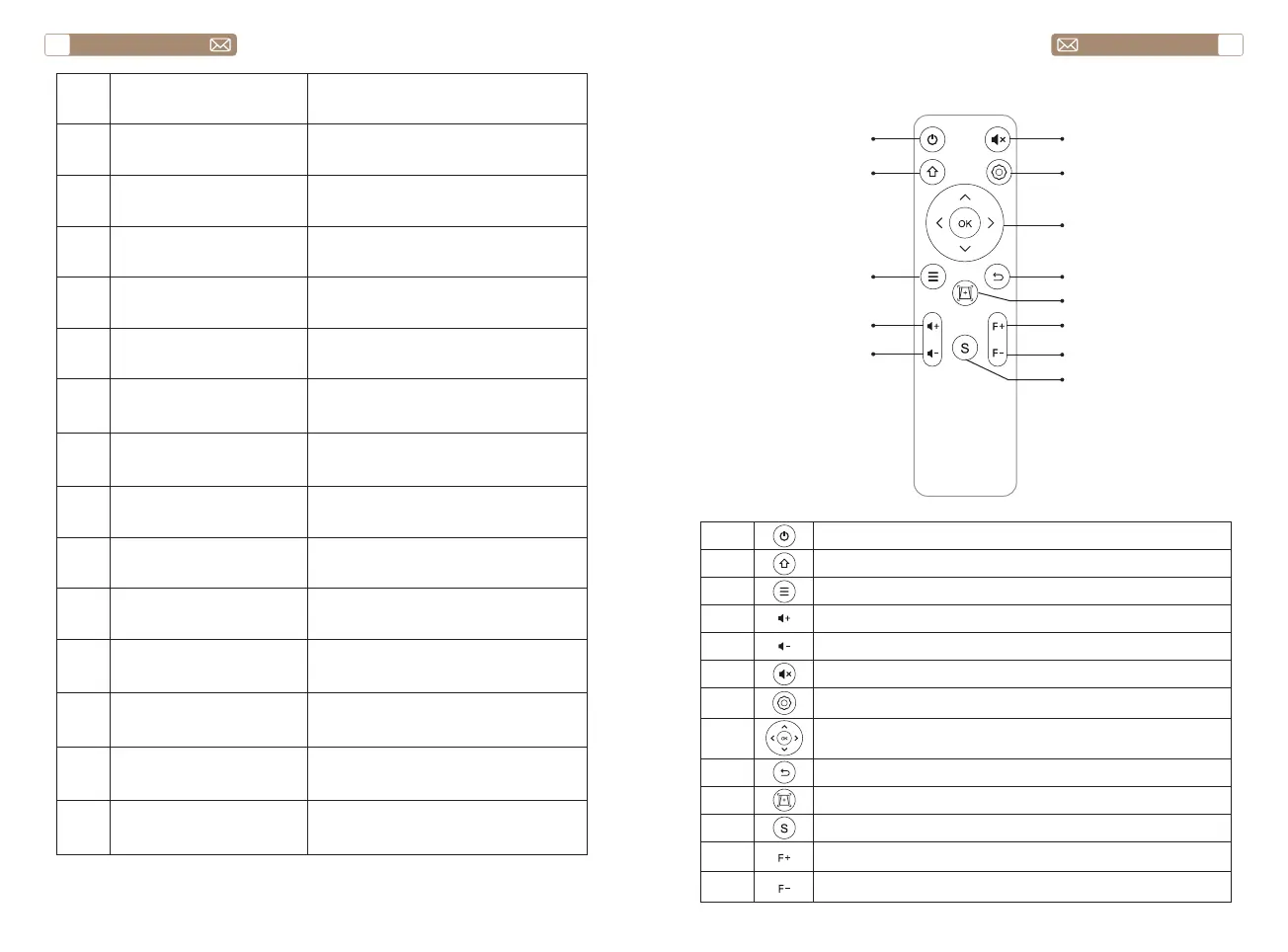
1 Turn on/off the power
2 Back to the main menu
3 Pull up the menu
4 Volume up
5 Volume down
6 Close the sound
7 Make system settings
8
Used to adjust the parameter of the projector in the
menu mode
9 Return to the previous menu
10 Adjust the auto focus and auto keystone correction
11 Manual focus+
12 Manual focus-
13 Select the input signal source


 To Next Page