service@toptro.com service@toptro.com
EN EN
12 13
Warm Tips: If the projector cannot recognize the USB disk, please refer to
the following methods to solve the problem.
Please confirm whether your USB disk meets the following formats.
1. FAT32: 8G/16G/32G
2. NTFS: 64G
If it is not, please format the USB disk. Before you format the USB disk,
if you have anything on your USB disk, make sure to backup everything.
After these steps, everything will be lost forever.
1. Plug-in your usb disk into the computers USB port.
2. Open up File Explorer and right-click on the drive.
3. Choose Format.
4. In the File System dropdown, please choose the FAT32 format.
5. Click Start and close this window when finished.
If the problem is still not solved, please send your problem to this email:
service@toptro.com
How to convert USB disk format to FAT32 format?
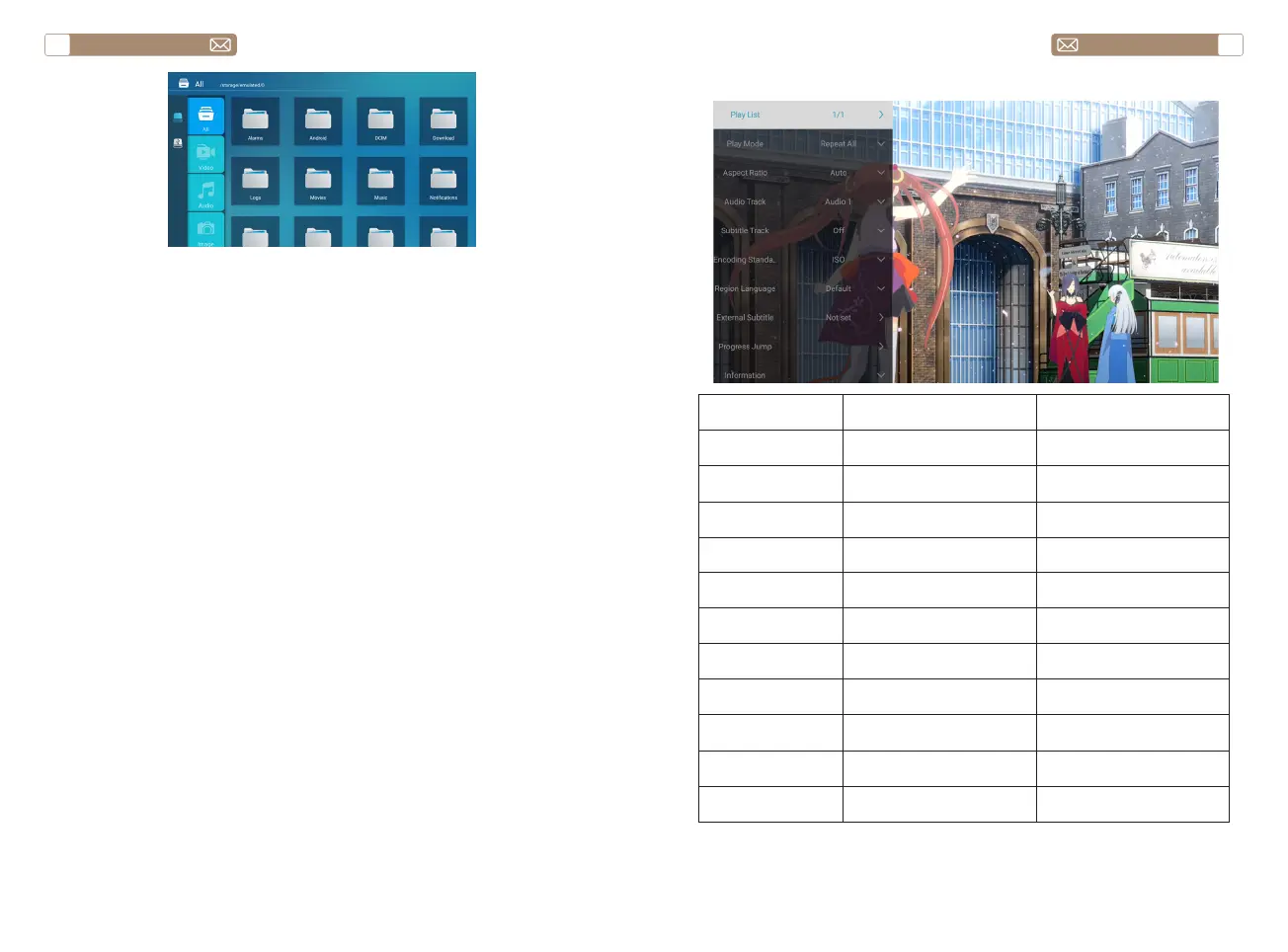
2.2 Play Interface
Playing setting Include Function
Play List the videos of current folder
change video from the
current folder
Play mode
repeat all, auto exit, repeat
one, random, play list
change play mode
Aspect Ratio auto, 16:9, 4:3, zoom1, zoom2 set video aspect ratio
Audio Track audio track set audio track
Subtitle Track subtitle track set subtitle track
Encoding Standard iso, windows set encoding standard
Region Language various language set region language
External Subtitle external subtitle
choose subtitle from other
folders
Progress Jump progress jump
fast forward video to specific
time
Information
resolution, size, duration,
bitrate
see the basic video
information
Picture & Sound picture and sound mode set picture and sound mode


 To Next Page