Manually Stopping and Starting the Mower
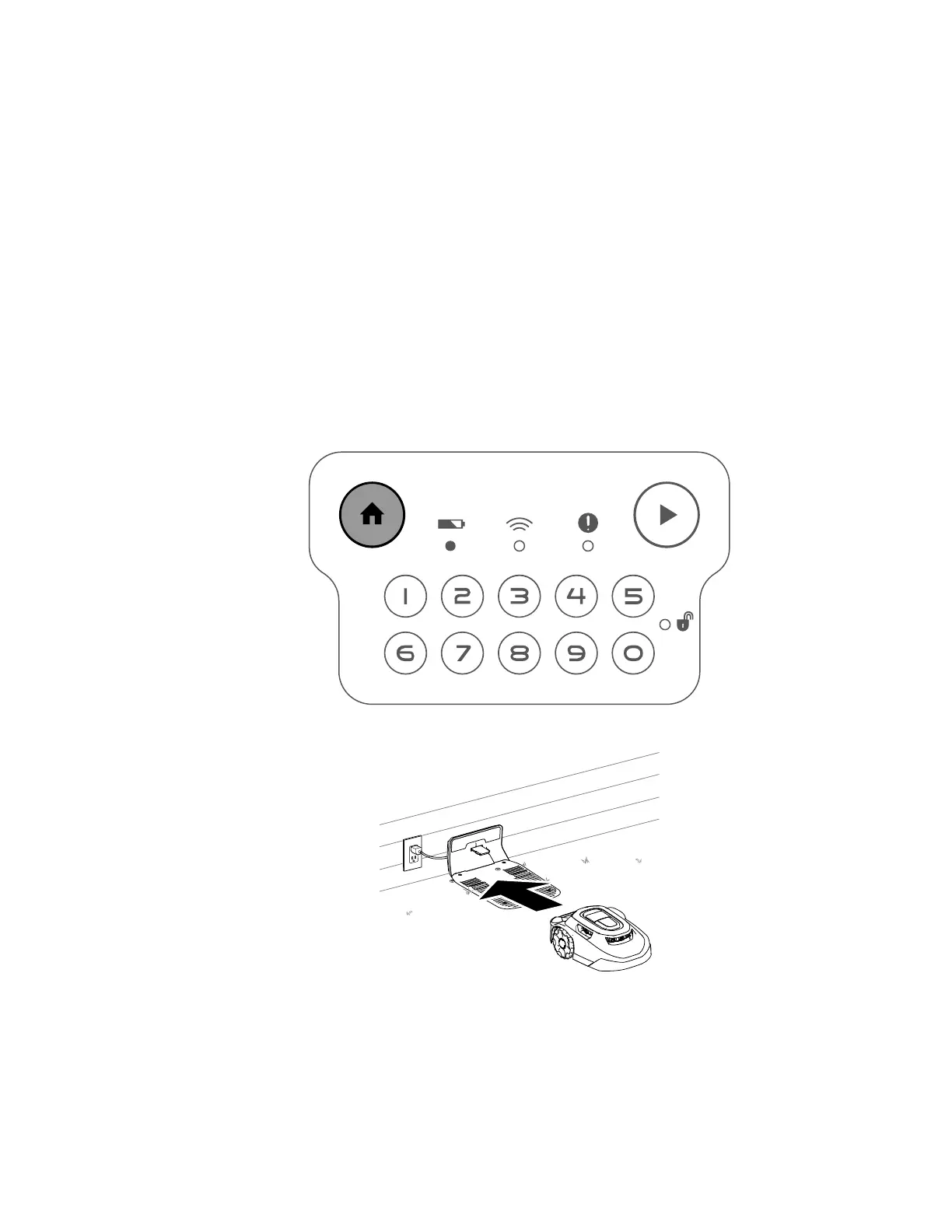
When you manually stop the mower, autonomous features are disabled. Enter the 4-digit
code to enable the mower.
1. Press the stop button on the mower.
2. Enter the 4-digit code.
3. Press the play button to resume mowing or press the home button to send the mower to
the charging station.
Docking and Charging the Mower
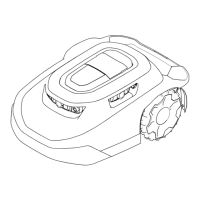
With the mower enabled, press the home button on the control panel to manually send the
mower to the charging station. The mower will remain in the charging station until the next
scheduled mowing task.
Note: The mower automatically docks in the charging station if the battery is too low.
G431603
G430093
Operation: Manually Stopping and Starting the Mower Page 5–5 3448-238 B





 To Next Page