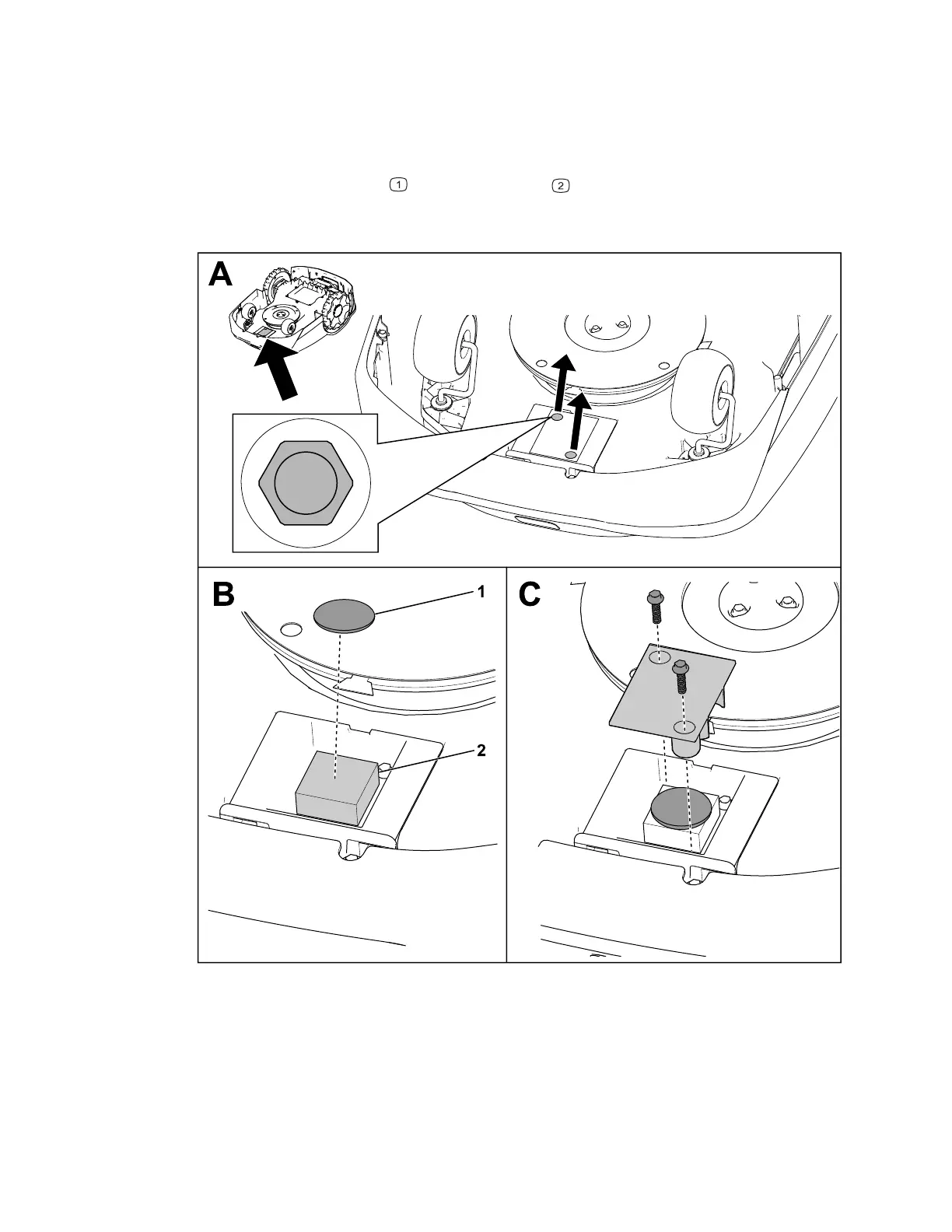
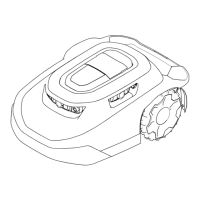
Installing an Optional Location Tracker
Note: A location tracker is not included with the robotic mower; you can purchase one
separately.
1. Remove the screws from the cover.
2. Place the location tracker
on the foam pad .
3. Secure the cover using the previously-removed 2 screws.
G464079
3448-238B Page 5–6 Operation: Installing an Optional Location Tracker





 To Next Page