11
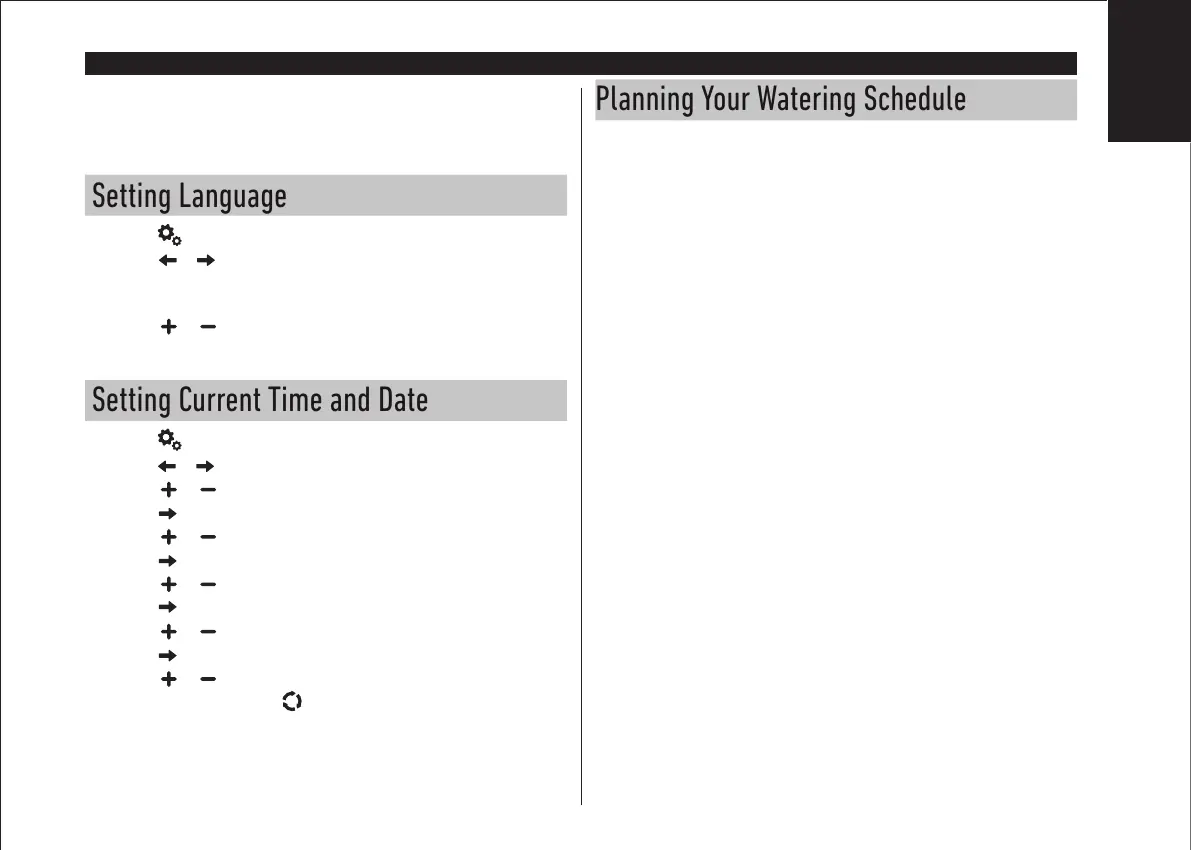
Note: for best results, it is recommended to customize the controller’s
SETTINGS first.
Setting Language
• Press the button to access the controller’s settings.
• Press the or buttons to select LANGUAGE
Most display information can be viewed in any of the 5 languages: ENGLISH,
ITALIANO, FRANCAIS, ESPANOL, GERMAN.
• Press the or buttons to select the language.
Setting Current Time and Date
• Press the button to access the controller’s settings.
• Press the or button to select 12H – 24H.
• Press the or button to select 12 H or 24 H.
• Press the button to select SET TIME.
• Press the or button to set the current time.
• Press the button to select SET DAY.
• Press the or button to set the day of the month.
• Press the button to select SET MONTH.
• Press the or button to set the month.
• Press the button to select SET YEAR.
• Press the or button to set the year.
• To exit Settings, press the AUTO button.
Planning Your Watering Schedule
It is often helpful to plan your watering schedule on paper before beginning the
programming steps.
Filling out the Watering Schedule Form
When filling out the form provided on page 10, use a pencil so changes can be easily
made.
Refer to the example shown on the opposite page and fill out your form in a similar
manner. Include the following information:
• Location - Identify the location of each watering station area and the type of
plant being watered.
Note: Enter the following information for each program. If the program is not
needed, leave its information column blank.
• Watering Day Schedule - For a calendar schedule, indicate which day(s) of the
week watering is desired.
For a day interval schedule, indicate the desired interval number (1–31). For Odd
or Even day watering schedule, simply mark the appropriate box.
• Station Run Time Duration - Indicate the amount of run time (1 minute to 8
hours) for each station. Write “O” for any station which you do not want to run in
the program.
• Program Start Times - Indicate the time(s) of day to start the program. Each
program can have up to three start times per watering day.
• Water Budget - Indicates the percentage to decrease or increase the run time
duration currently set for each station assigned to a selected program.
Toro TEMPUS Controller
PROGRAMMING MODULE
English


 To Next Page