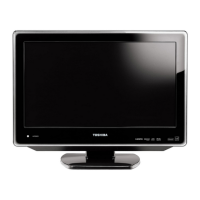
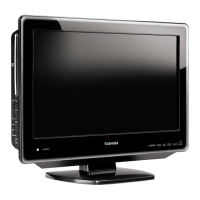
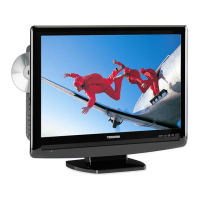
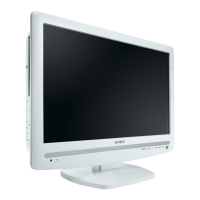
15CV100U
15CV101U
19CV100U
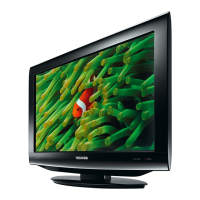
22CV100U
26CV100U
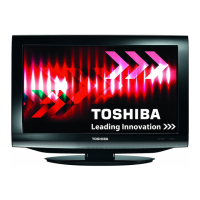
32CV100U
For an overview of steps for setting up your new TV, see page 12.
Note: To display a High Definition picture, the TV must be
receiving a High Definition signal (such as an over-the-air High
Definition TV broadcast, a High Definition digital cable program,
or a High Definition digital satellite program). For details, please
contact your TV antenna installer, cable provider, or satellite
provider.
© 2010 TOSHIBA CORPORATION
All Rights Reserved
Owner’s Record
The model number and serial number are on
the back of your TV/DVD. Record these
numbers in the spaces below. Refer to these
numbers whenever you communicate with
your Toshiba dealer about this TV/DVD.
Model number:
Serial number:

 Need help?
 Display
 Audio
Audio Ports & interfaces
 Weight and Dimensions

 To Next Page