139
Toshiba Utilities
Expansion device properties
5.375 x 8.375 ver 2.3.2
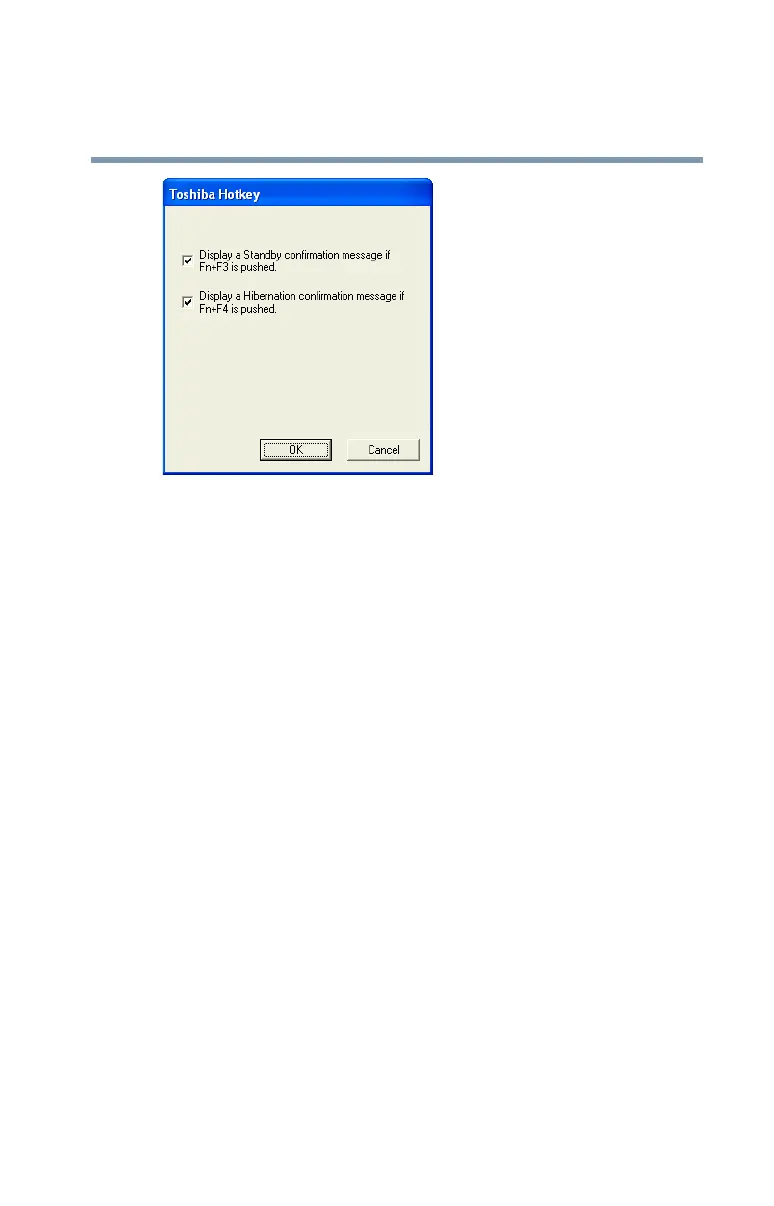
Sample Toshiba Hotkey utility window
2 Put a check mark next to the desired option.
3 Click OK.
Expansion device properties
To adjust the settings for the optional Slim Port Replicator, use the
TOSHIBA Mobile Extension Service Configuration utility.
Accessing Mobile Extension Service Configuration
You can access the Mobile Extension Service Configuration
utility in either of the following ways:
❖ Click the TOSHIBA Console button and Slim
Select Bay & Docking icon.
❖ Click Start, Control Panel, Performance and
Maintenance, TOSHIBA Mobile Extension.



 To Next Page
 Loading...





