70
Learning the Basics
Setting up for communications
5.375 x 8.375 ver 2.3.2
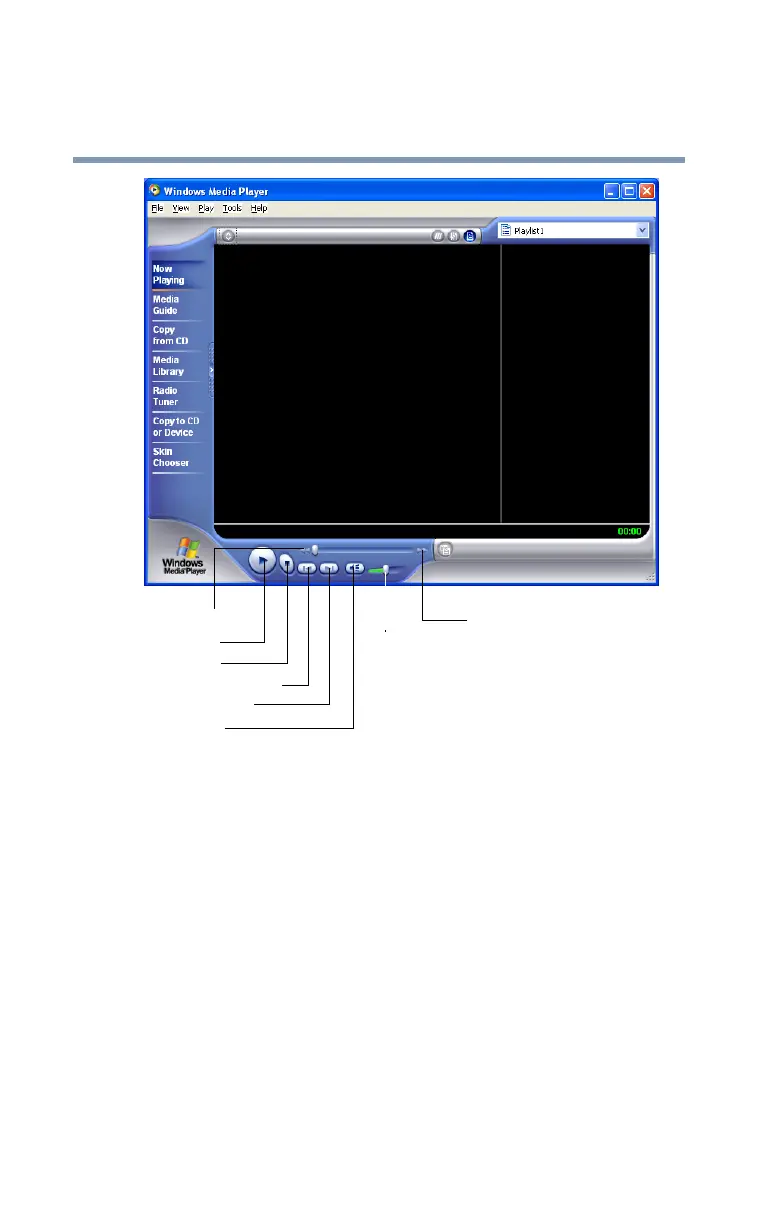
Sample Windows Media
TM
Player screen
With your pointing device, use the Windows Media
TM
Player
screen as you would an audio control panel.
Setting up for communications
To connect to the Internet, use an online service, or
communicate across the telephone lines with another
computer, you need:
❖ A modem (supplied with your computer)
❖ A telephone line
❖ A browser or communications program
Rewind
Stop
Previous track
Next track
Mute
Volume
Play
control
Fast forward



 To Next Page
 Loading...





