49
Getting Started
Using the computer for the first time
5.375 x 8.375 ver 2.3.2
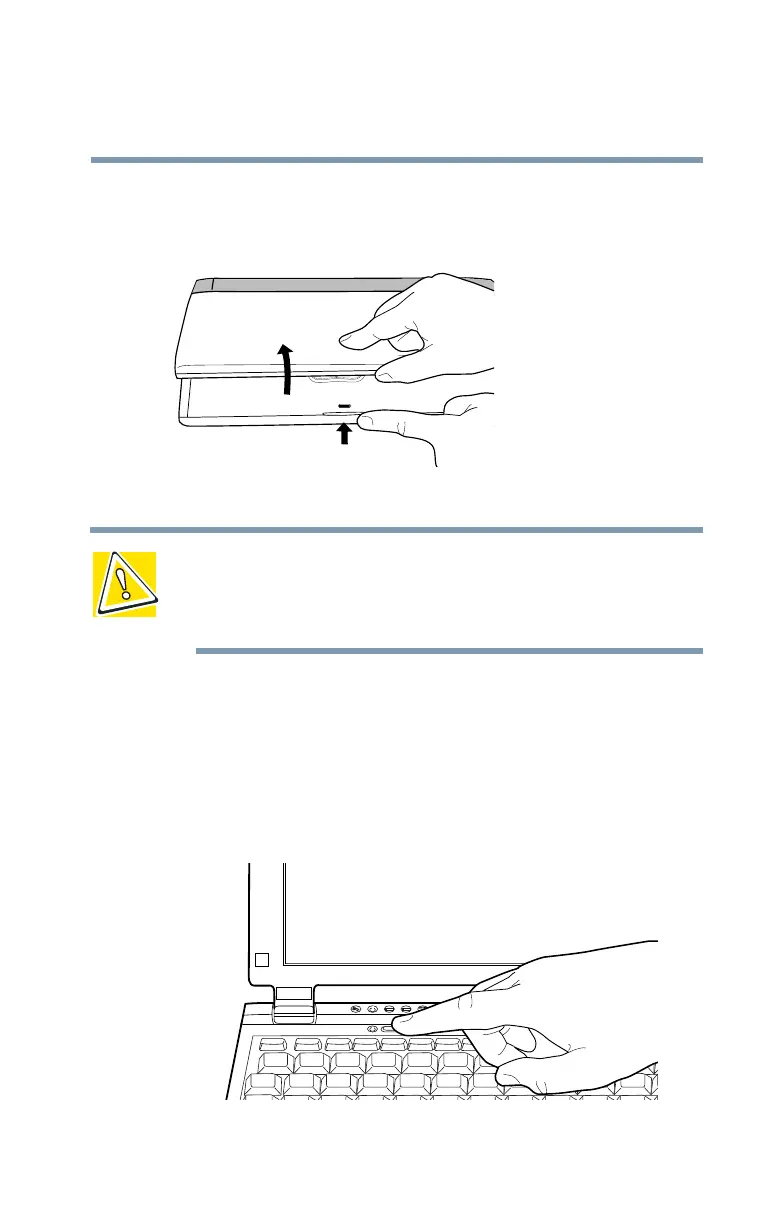
Opening the display panel
Press the display panel latch and lift the display panel.
Opening the display panel
CAUTION: To avoid damaging the display panel, don’t force it
beyond the point where it moves easily.
Never lift or move the computer using the display panel.
Turning on the power
1 If the optional external diskette drive is connected, check
that it is empty.
2 If you have a local printer connected to the computer,
turn it on and wait until the printer is ready (on line).
Turning on the power



 To Next Page
 Loading...





