87
Mobile Computing
Turning off the display automatically
5.375 x 8.375 ver 2.3.2
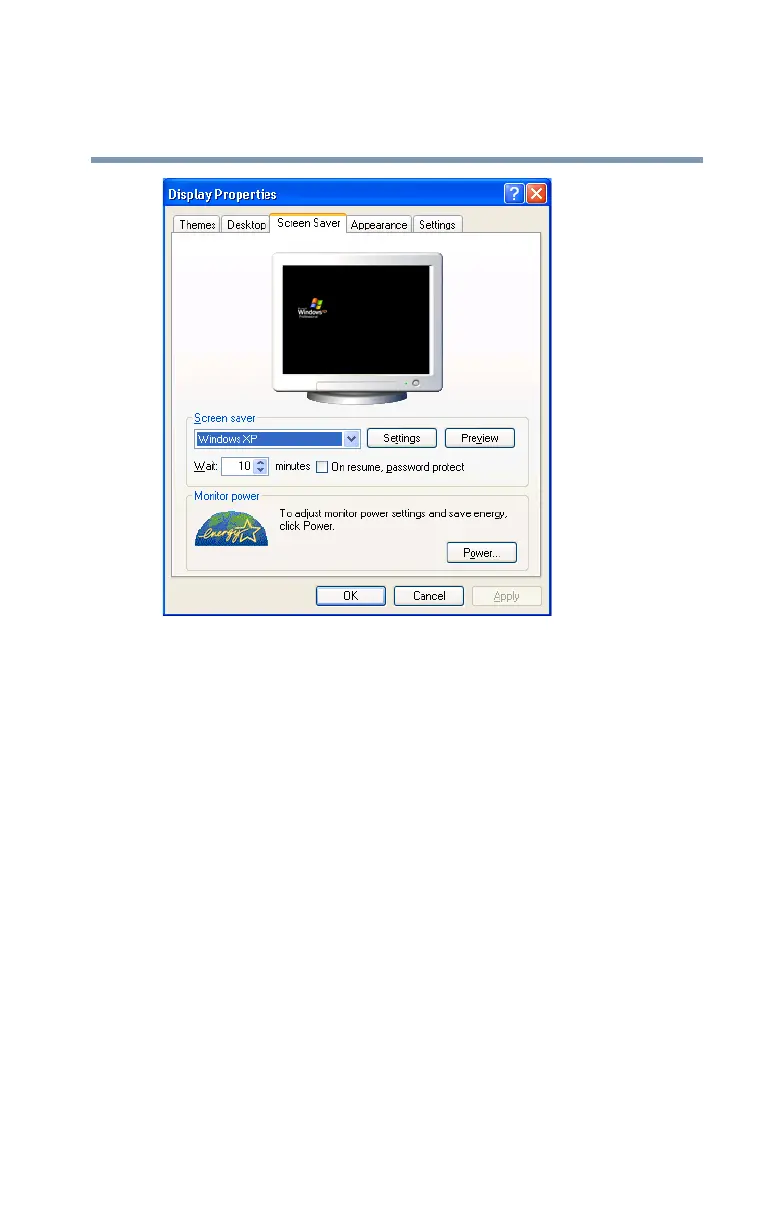
Sample Display Properties window with Screen Saver tab
displayed
5 In the section labeled Screen Saver, select Blank
Screen.
6 In the Wait window, click the up and down buttons to set
the number of minutes of inactivity before the display
turns off automatically.
7 Click Apply, then OK.



 To Next Page
 Loading...





