INITIAL SETTINGS
2-8
The unit can be set to adjust to time changes during the year, so that its internal clock
and all subsequent notations of time (fax headers, programmed times, etc.) are
automatically adjusted. When the Auto Summer Time Setting is on, the adjustments
take place as shown below:
On the last Sunday of every March: 01:00 02:00
On the last Sunday of every October: 01:00
00:00
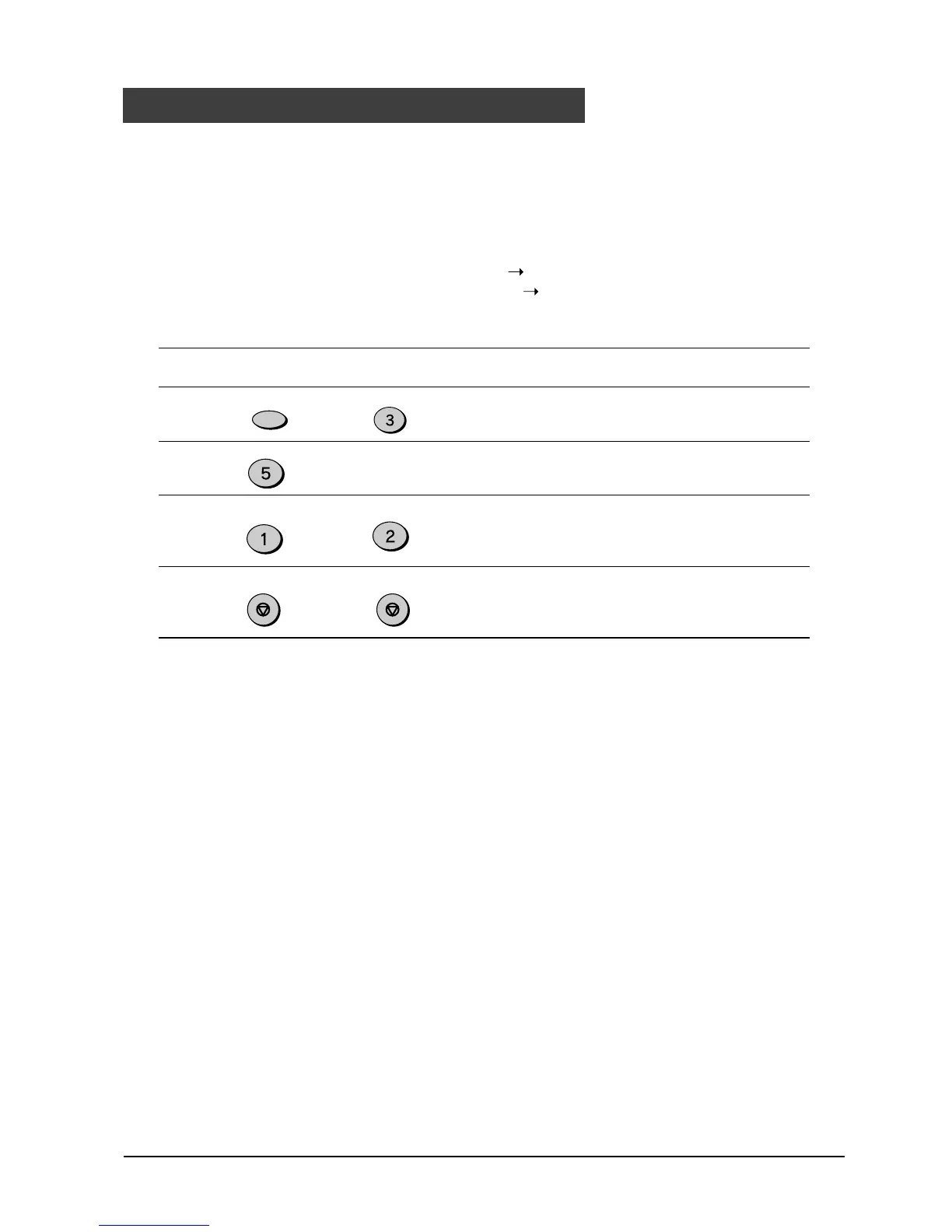
Use the procedure below to program the Auto Summer Time Setting:
Step Press these keys Comments
1 “ENTRY MODE” will appear in
the display.
2 “AUTO SUMMER TIME” will
appear in the display.
3 Press 1 to turn the Auto
Summer Time Setting on, or 2
to turn it off.
4 Press the STOP key twice to
exit.
Auto Summer Time Setting
FUNCTION
DEF
JKL
ABC
or
STOP STOP



 To Next Page
 Loading...






