1.RESTRICTIONS
TopAccess ADMIN Mode 27
1 RESTRICTIONS
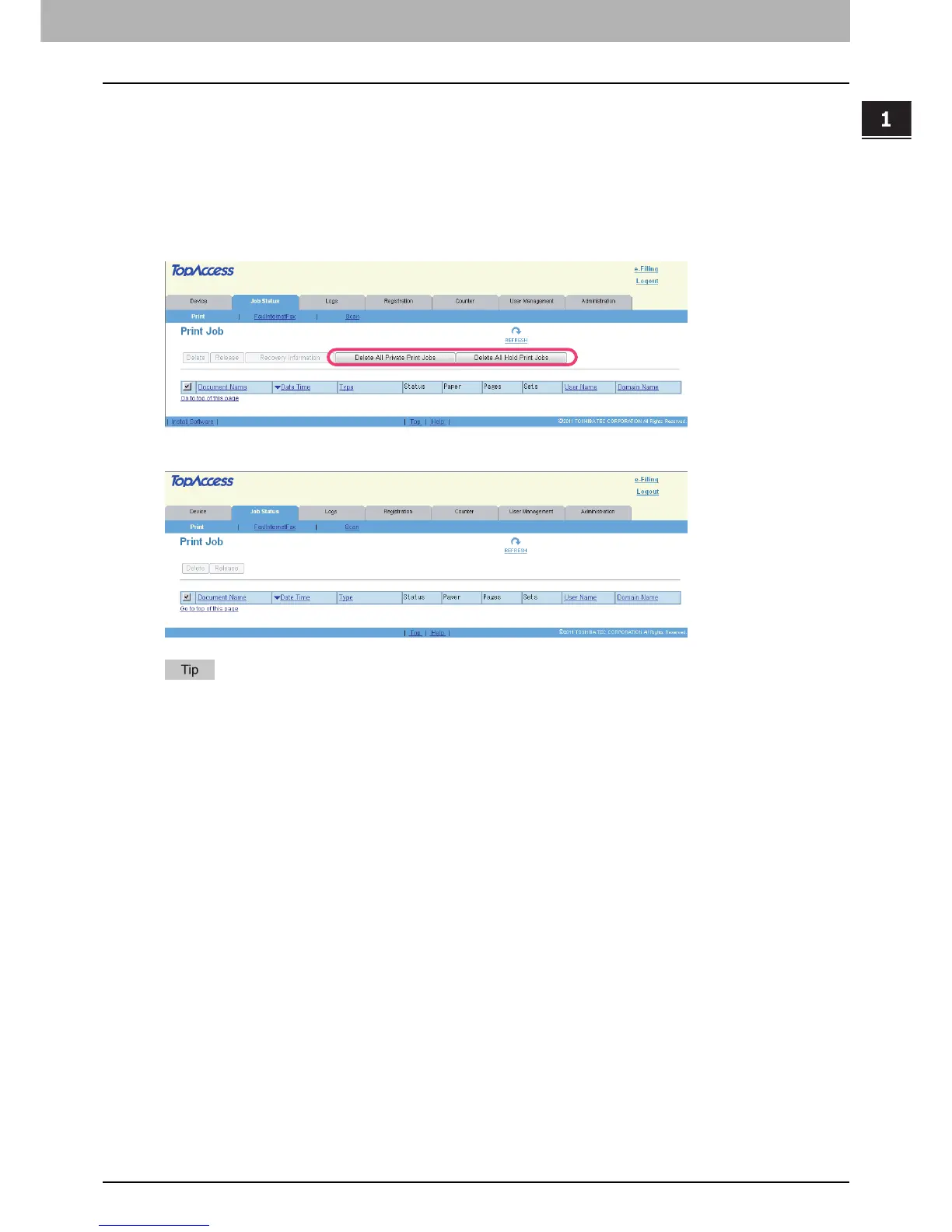
Operation on TopAccess [Job Status] tab page with the administrator privilege
The following related to the TopAccess [Job Status] tab page cannot be used when the controller is connected to the
equipment:
y The [Delete All Private Print Jobs] button for deleting all private print jobs displayed in the list This item is displayed if
you are logged in with a user account which is granted administrator privileges in access policy mode.
y The [Delete All Hold Print Jobs] button for deleting all hold print jobs displayed in the list This item is displayed if you
are logged in with a user account which is granted administrator privileges in access policy mode.
e-STUDIO4540C Series/e-STUDIO6550C Series
e-STUDIO machine with the controller or e-STUDIO4540C Pro Series/e-STUDIO6550C Pro Series
For details on the TopAccess [Job Status] tab page, refer to the TopAccess Guide.



 To Next Page
 Loading...


