1.RESTRICTIONS
Operations From the Control Panel 7
1 RESTRICTIONS
SCAN
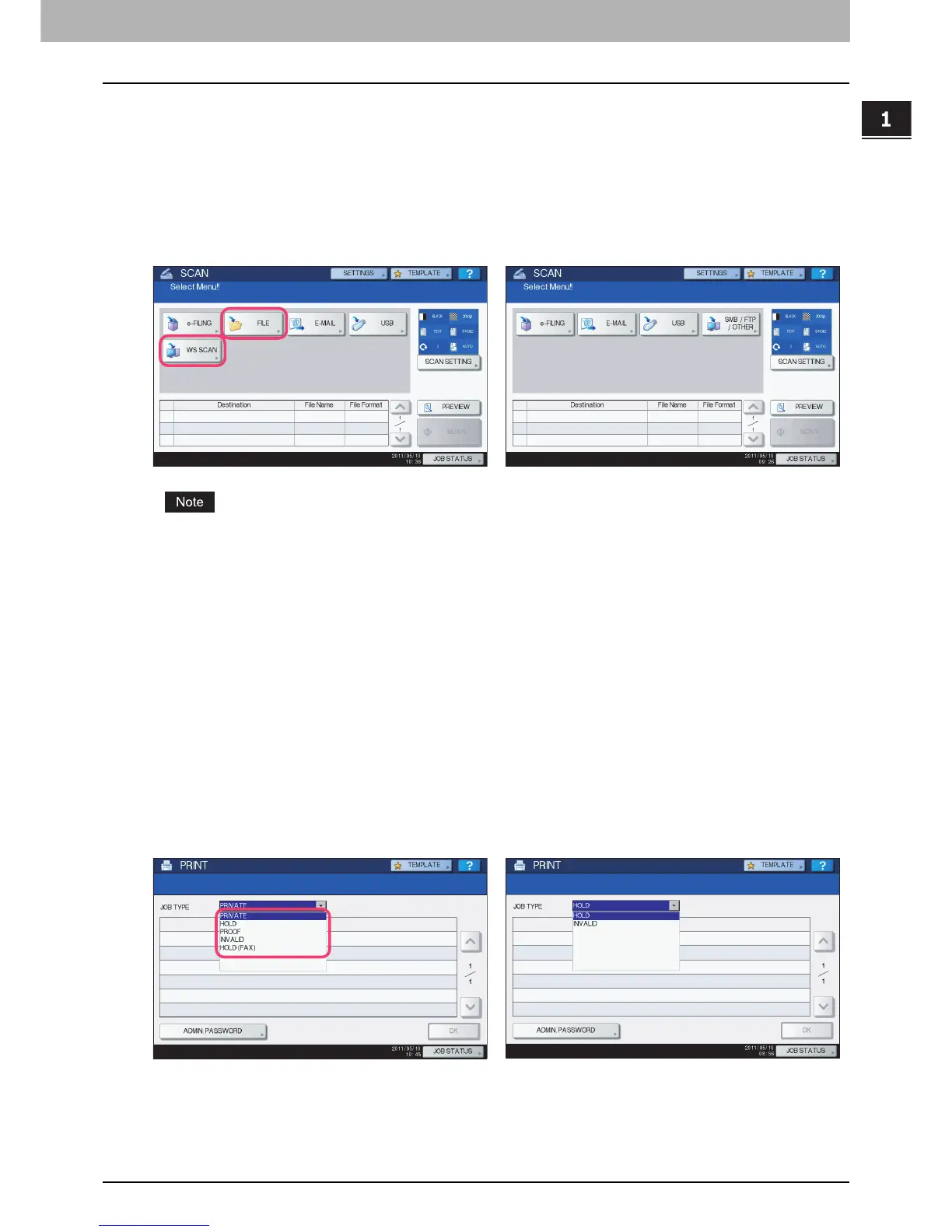
The following related to the [SCAN] button cannot be used when the controller is connected to the equipment:
y The Scan to File function for sending and storing scans to a shared folder in the equipment's hard disk or a specified
network folder
y The Web Service (WS) Scan function for scanning images from a client computer through the network by using the
functions of Windows Vista/Windows 7/Windows Server 2008
The SCAN menu displayed by pressing the [SCAN] button contains the GA-1211-EX/GA-1310-EX specific functions.
For details, see the following section:
P. 31 “ S C A N ”
PRINT
The following related to the [PRINT] button cannot be used when the controller is connected to the equipment:
y The Private Print function for printing a document from a computer on the network only when a set password is keyed
in to the equipment's control panel
y The Hold Print function for retaining a document in the print queue until you continue the job from the equipment's
control panel
y The Proof Print function for printing only a single copy as a sample and suspending the rest of the job when you print
multiple copies from a computer on the network
y The Invalid Print function for printing a document being held due to an incorrect or no department code entered for
printing it
y The USB Direct Print function for printing files saved in a USB storage device that is connected to the USB port on the
equipment
e-STUDIO4540C Series/e-STUDIO6550C Series
e-STUDIO machine with the controller or
e-STUDIO4540C Pro Series/e-STUDIO6550C Pro Series
e-STUDIO4540C Series/e-STUDIO6550C Series
e-STUDIO machine with the controller or
e-STUDIO4540C Pro Series/e-STUDIO6550C Pro Series



 To Next Page
 Loading...


