6.EDITING DOCUMENTS
Editing With Pages in Your Documents 105
6 EDITING DOCUMENTS
8
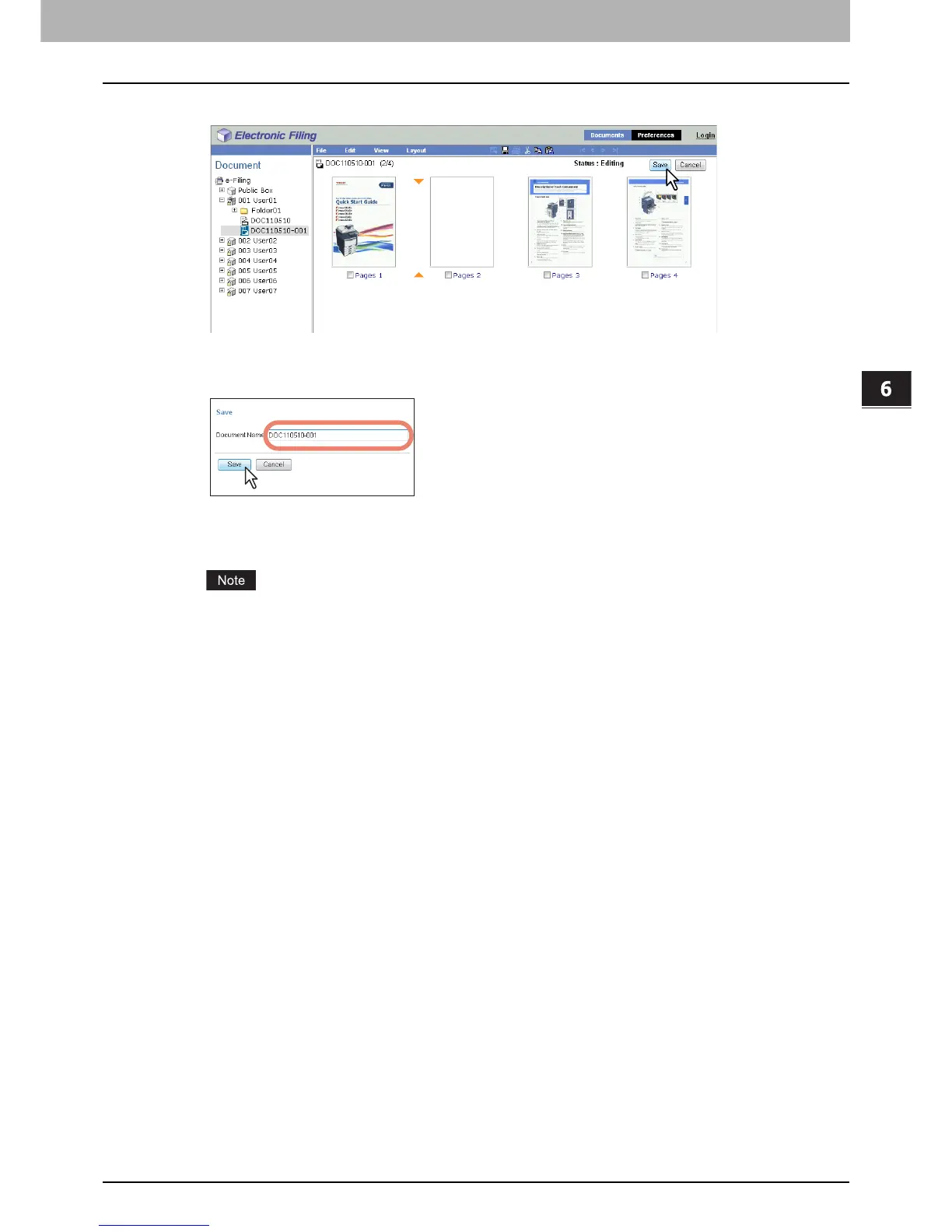
Click [Save].
The Save Document window appears.
9
Enter the document name in the [Document Name] box and click [Save].
y If you rename the document, it will be saved as a new one. If you do not change the name, the original
document will be overwritten.
y The document status is returned to the View mode from the Edit mode.
Do not close the Save Document window by clicking [X]. The operations may no longer work properly. If you
close the window by clicking [X] by mistake, turn the power to the equipment off and then on again.



 To Next Page
 Loading...











