2 OPERATIONS WITH THIS EQUIPMENT
Deleting Documents 25
Deleting Documents
You can delete documents in e-Filing using the control panel of this equipment.
e-Filing is not designed for saving documents permanently. Delete unnecessary documents immediately.
If you delete a folder or box, all the documents in the folder or box are deleted as well.
P.32 “Deleting user boxes/folders” (Operating with this equipment)
P.49 “Deleting user boxes and folders” (Operating with a client computer)
1
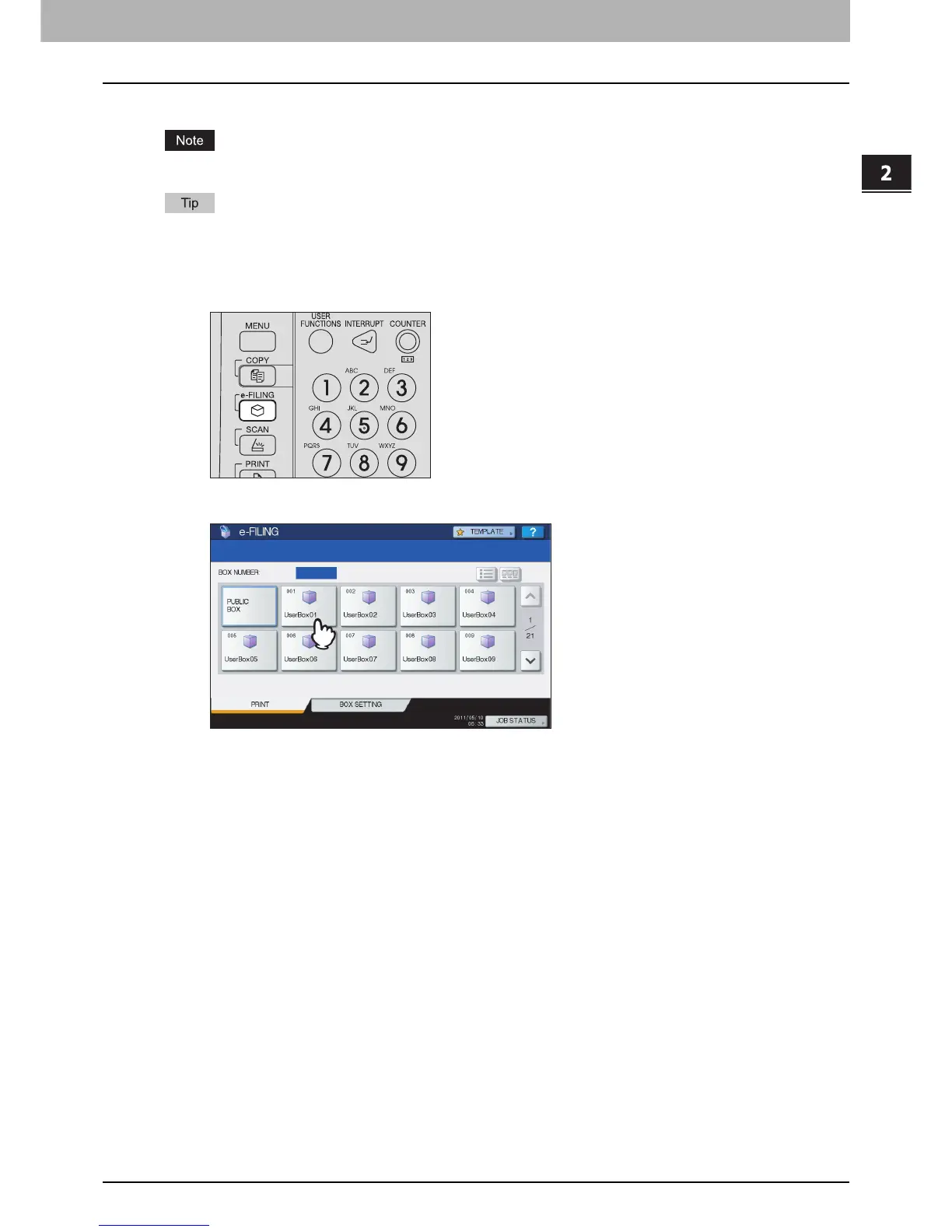
Press the [e-FILING] button on the control panel.
2
Select a box or folder that contains a document you want to delete.
The instructions of the operating procedure as to selecting a box/folder are omitted, because they are the same as
those for printing an entire document.
P.12 “Printing an entire document”



 To Next Page
 Loading...











