2.OPERATIONS WITH THIS EQUIPMENT
Managing User Boxes/Folders 31
2 OPERATIONS WITH THIS EQUIPMENT
3
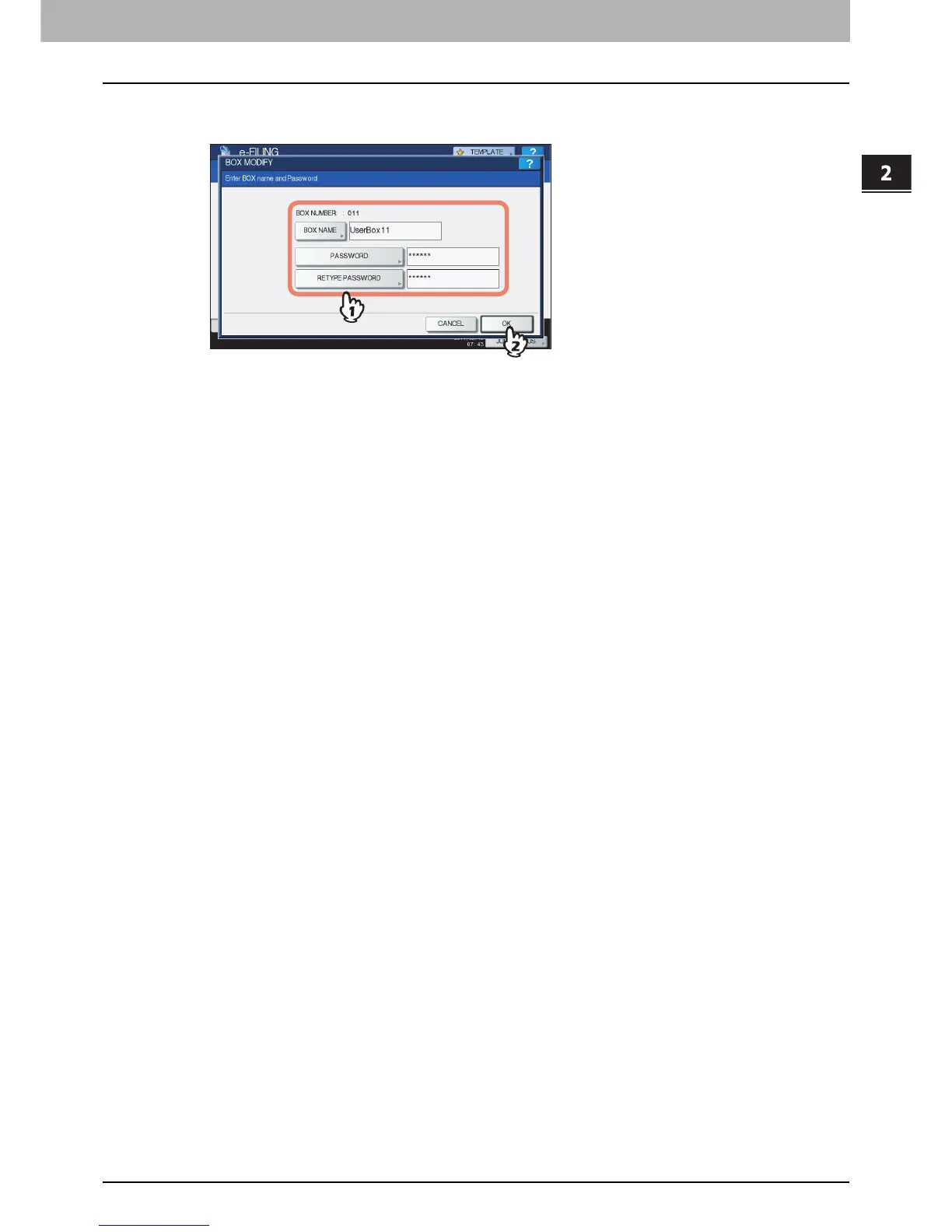
Change [BOX NAME] / [PASSWORD] / [RETYPE PASSWORD] as necessary, and then
press [OK].
The instructions of the operating procedure of [BOX NAME] / [PASSWORD] / [RETYPE PASSWORD] settings are
omitted, because they are the same as those for creating user boxes.
P.27 “Creating user boxes”



 To Next Page
 Loading...











