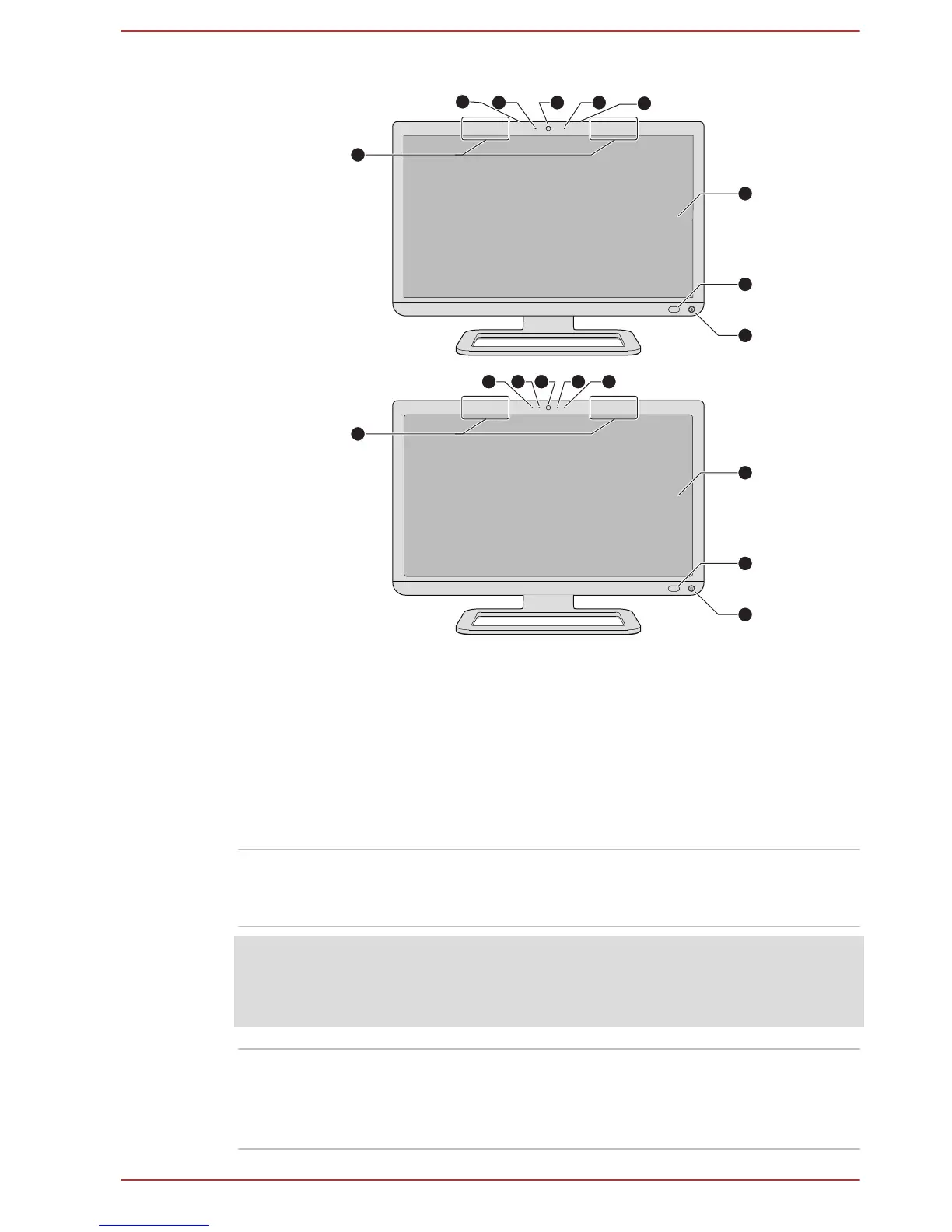
1. Wireless communication antennas
(not shown)*
6. Microphone*
2. Microphone 7. Display screen
3. Web Camera LED 8. CIR in Window*
4. Web Camera 9. Power button
5. Ambient light sensor*
* Provided with some models.
Product appearance depends on the model you purchased.
Wireless
communication
antennas
Some computers in this series are equipped with
the Wireless LAN/Bluetooth antennas.
Legal Footnote (Wireless LAN)
For more information regarding Wireless LAN, please refer to the Legal
Footnotes section.
Ambient light sensor Ambient light sensor can detect the light quality
and intensity outside and can use this information
to automatically adjust the display screen
brightness.
User's Manual 3-2



 To Next Page
 Loading...








