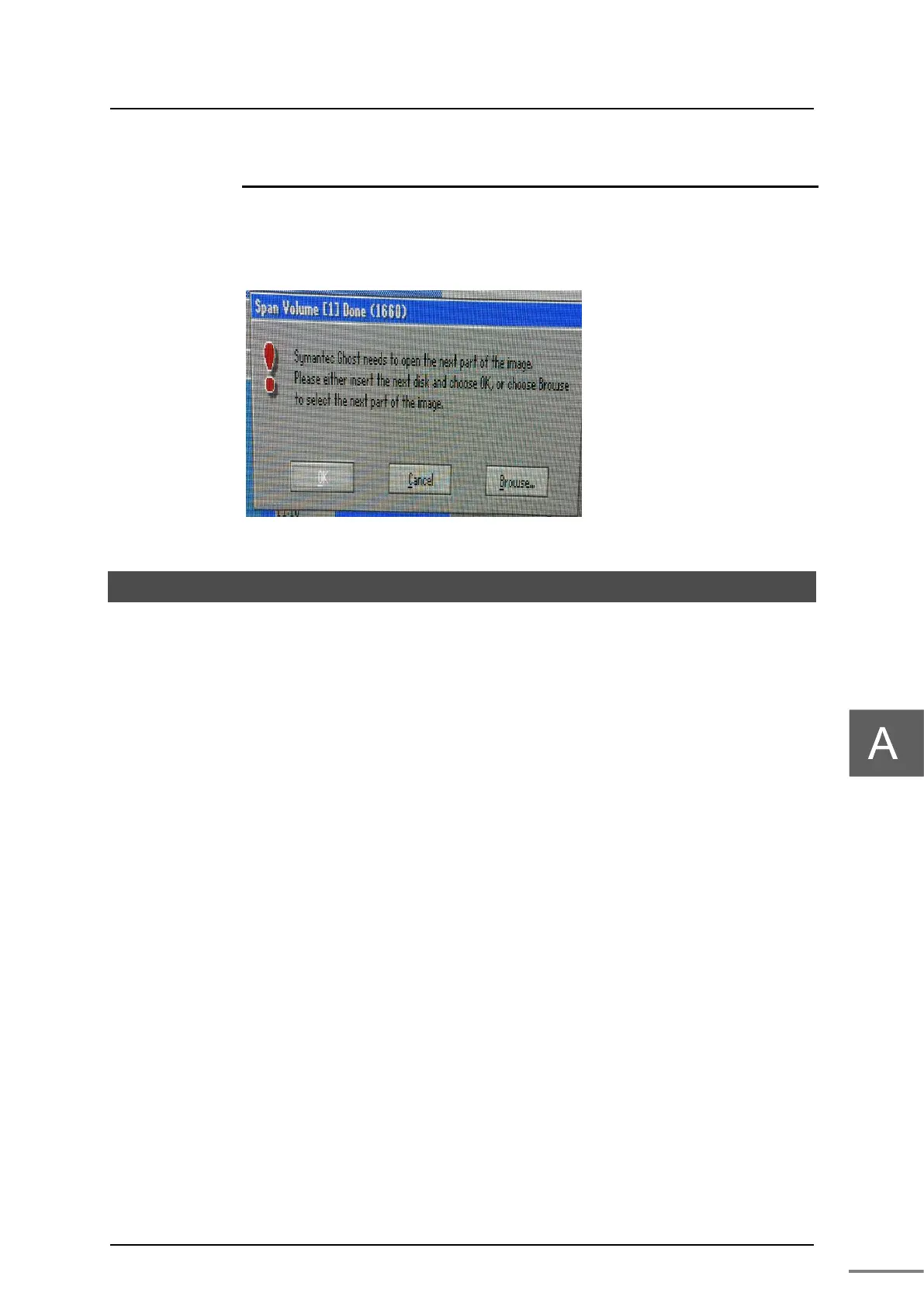
If multiple recovery DVDs are included depending on the shipping time, the next dialog will
prompt you to insert the second and subsequent DVDs during the recovery process. Insert the
second and subsequent files, click the "Browse ..." button, and select the image file Image ***.
GHS (*** is a serial number from 001) directly under the DVD drive.
A.3 Terminate Windows
If the Windows system becomes unstable and you can not operate Windows normally,
press typeS / typeL main unit power button to forcibly terminate Windows.



 To Next Page
 Loading...