EasyManua.ls Logo

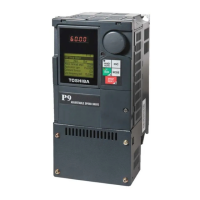
Toshiba P9 - User Manual

Toshiba P9
306 pages
Print Icon
To Next Page IconTo Next Page
Loading...
TM
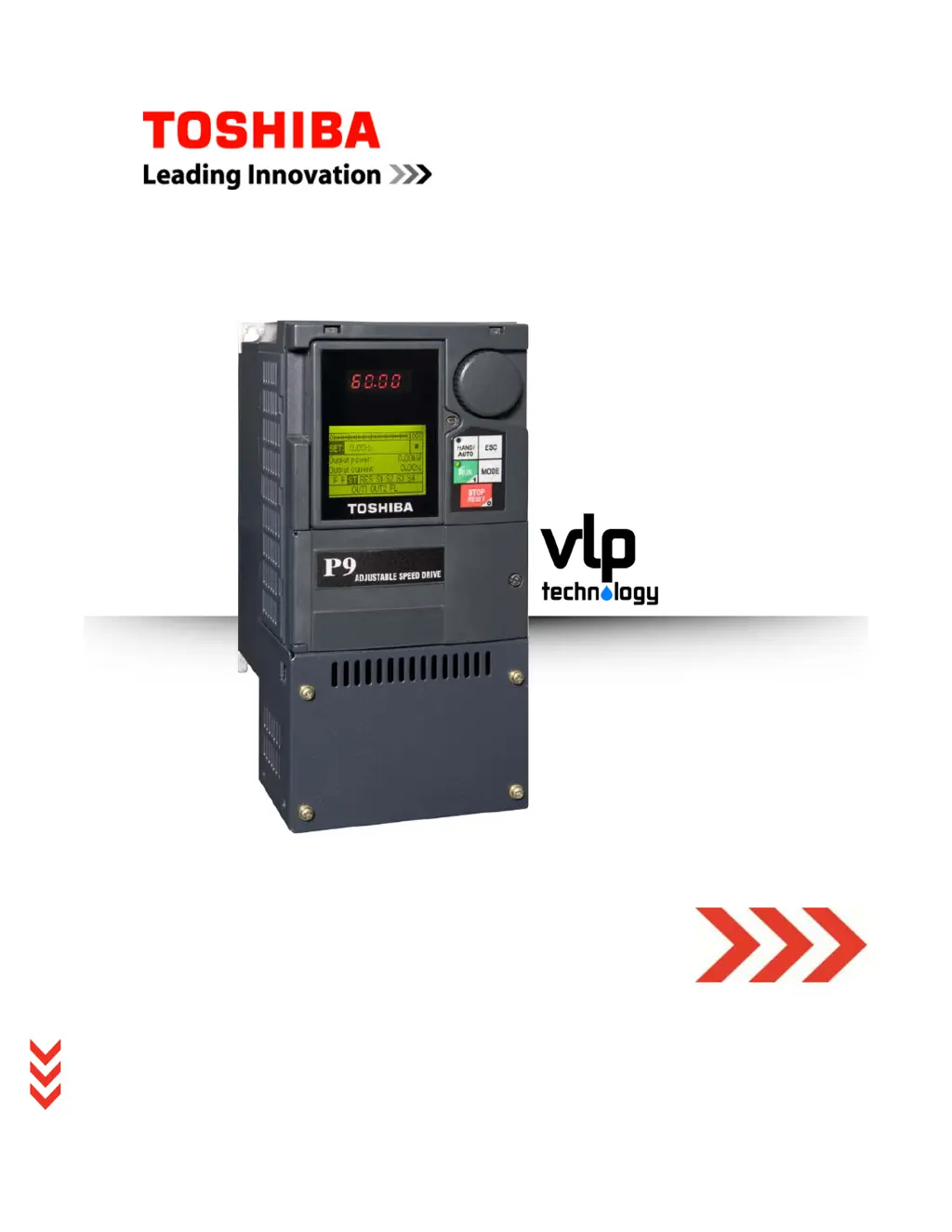
P9 ASD Install & Op Manual
TOSHIBA
P9 ASD
INSTALLATION & OPERATION MANUAL
DN: 64054-004
February, 2013

Table of Contents

Questions and Answers

  • T
    tsimmonsAug 18, 2025
    What to do if I see 'ASD Overload' on my Toshiba P9 Controller?
    • A
      Ana LangAug 19, 2025
      If your Toshiba Controller is showing an 'ASD Overload' error, it could be due to several reasons. The carrier frequency might be too high, the load could be excessive, the acceleration time might be too short, the DC damping rate could be set too high, the motor might be starting into a spinning load after a power failure, or the ASD might be improperly matched to the application. To address this, try reducing the carrier frequency, reducing the load on the ASD, increasing the acceleration time, adjusting the DC damping rate, avoiding starting under such conditions, and ensuring the ASD is properly matched to the application.
  • M
    Melissa AguirreAug 22, 2025
    How to fix an overheat issue on a Toshiba Controller?
    • S
      Seth MitchellAug 22, 2025
      If your Toshiba Controller is overheating, several factors may be the cause. The ASD might be operating at an elevated temperature or be too close to heat-generating equipment. The cooling fan vent could be obstructed, the cooling fan may be inoperative, or the internal thermistor might be disconnected. To fix this, enhance cooling for the ASD, reposition it away from heat sources, clear any obstructions from the cooling fan vent, repair or replace the cooling fan, and reconnect the internal thermistor.
  • J
    john58Aug 25, 2025
    What causes 'Motor Overload' on a Toshiba P9 Controller?
    • D
      Daniel KentAug 26, 2025
      If the Toshiba Controller displays a 'Motor Overload' error, it could be due to an improperly set V/f parameter, a locked motor, continuous operation at low speed, or the load exceeding the motor's capacity. To resolve this, review and adjust the V/f parameters, resolve any locking condition of the motor, avoid continuous low-speed operation, and reduce the load to within the motor's capacity.
  • W
    William EvansAug 27, 2025
    How to troubleshoot low suction on a Toshiba P9 Controller?
    • B
      Benjamin ShepardAug 27, 2025
      If you're experiencing low suction or no flow cut off with your Toshiba Controller, it could be due to a loss of suction pressure, a closed pump output valve, an activated discrete input terminal set to Low Suction/No Flow Protection, or the ASD Upper-Limit Frequency run-time being equal to the F484 time setting. Check for loss of suction pressure, verify the pump output valve is open, check the activated discrete input terminal settings, and adjust the ASD Upper-Limit Frequency settings to resolve this issue.
  • D
    Derrick ColemanAug 31, 2025
    What does Comm1 Error mean on my Toshiba Controller?
    • A
      allen37Aug 31, 2025
      If your Toshiba Controller shows a Comm1 Error, it might be due to improperly programmed ASD, improper communications settings, or improperly connected cables. To address this, review and correct the ASD programming, check and correct the communications settings, and inspect and properly connect the cables.
  • J
    jmirandaSep 3, 2025
    Why does my Toshiba Controller say 'Emergency Off'?
    • J
      Joyce PerezSep 3, 2025
      If your Toshiba Controller is showing an 'Emergency Off' status, it could be because the Stop button was pressed twice at the EOI, an EOFF command was received remotely, or an ASD reset is required. To address this, avoid pressing the Stop button twice, check for remote command signals, and perform an ASD reset.
  • K
    Kenneth HawkinsSep 5, 2025
    What causes Control Under-Voltage on a Toshiba P9?
    • D
      Daniel BryanSep 6, 2025
      If the Toshiba Controller displays a 'Control Under-Voltage' error, it could be due to a defective Control board, excessive load on the power supply, or low input voltage. To resolve this, inspect and replace the defective Control board, reduce the load on the power supply, and check and ensure proper input voltage levels.
  • C
    Charles RamirezSep 9, 2025
    What does Main Under-Voltage mean on a Toshiba P9?
    • N
      Natalie Moore PhDSep 9, 2025
      If your Toshiba Controller is showing 'Main Under-Voltage', it indicates a low 3-phase commercial voltage. You should verify the 3-phase commercial voltage levels.
  • K
    Kenneth CombsSep 12, 2025
    What to do if my Toshiba Controller displays Under-Current?
    • S
      shortsarahSep 12, 2025
      If your Toshiba Controller is showing an Under-Current error, it means the output current is too low. To resolve this, increase the output current.
  • A
    Amy PriceNov 15, 2025
    What to do if my Toshiba P9 Controller shows Over-Current?
    • M
      Michelle ThompsonNov 15, 2025
      If the Toshiba Controller displays an Over-Current error, several factors could be responsible. It could be due to a defective IGBT (U, V, or W), incorrect connections between the ASD output and the motor, a phase-to-phase short in the ASD output, starting the ASD into a spinning motor, a jammed motor/machine, the mechanical brake being engaged during operation, acceleration/deceleration time being too short, the Voltage Boost setting being too high, load fluctuations, or the ASD operating at an elevated temperature. To resolve this, inspect and replace any defective IGBTs, check and correct motor connections, check for phase-to-phase shorts, avoid starting the ASD while the motor is spinning, clear any jams, ensure the mechanical brake is disengaged, adjust acceleration/deceleration times...

Toshiba P9 Specifications

General IconGeneral
BrandToshiba
ModelP9
CategoryController
LanguageEnglish

Related product manuals