© 2018 Touchjet™ All Rights Reserved12
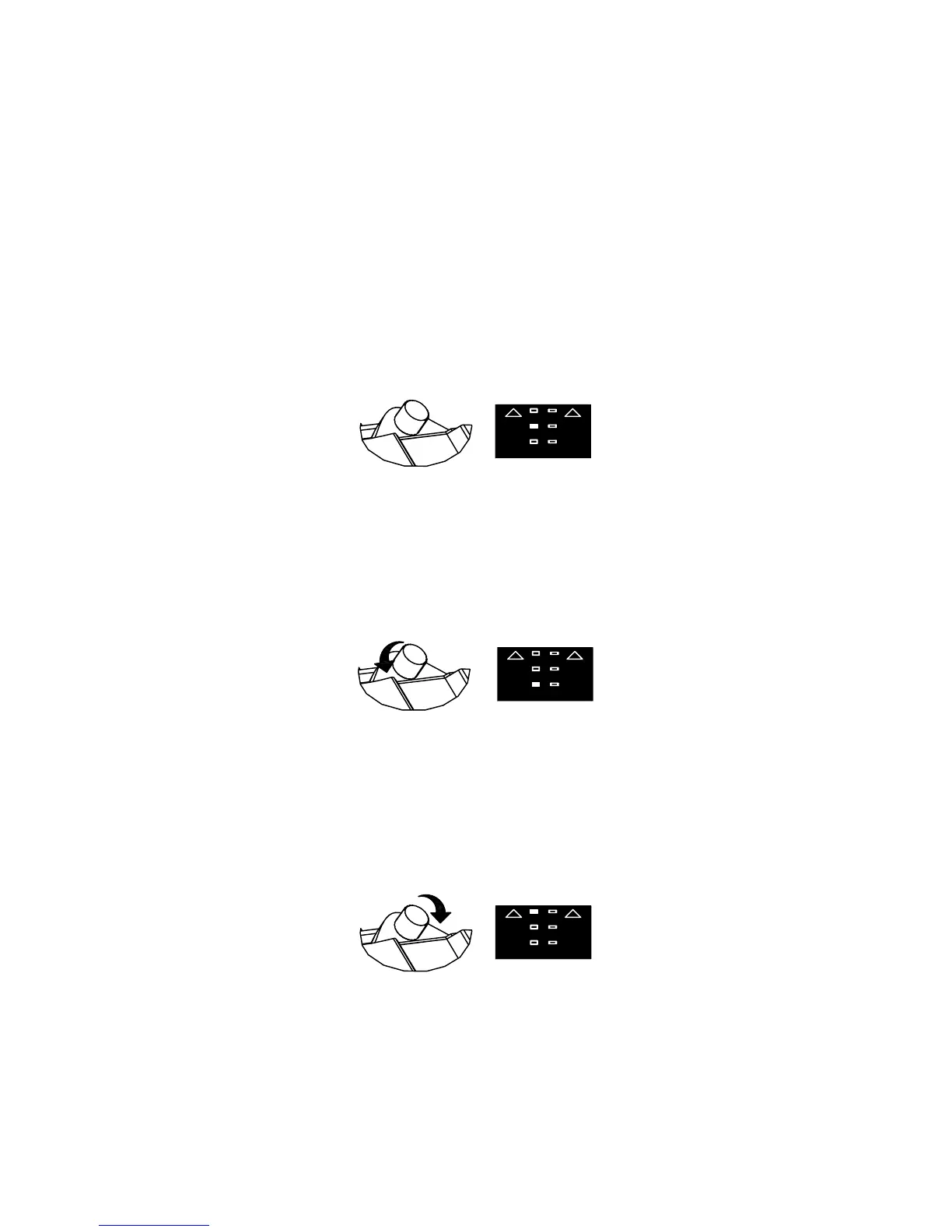
C. Green Light - indicates that the Android Box is in the correct position.
F. No Light - ensure that the WAVE arm is snapped into place tightly and that the Alignment
Tool can still t between the box and the TV.
E. Yellow Light - can indicate that you have adjusted too far. Twist the Angle Adjustment
Knob clockwise until the light turns green.
D. Red Light - slowly turn the Angle Adjustment Knob counterclockwise until the sensor
turns green.



 To Next Page