© 2018 Touchjet™ All Rights Reserved8
Center and secure the Android Box
Step 2
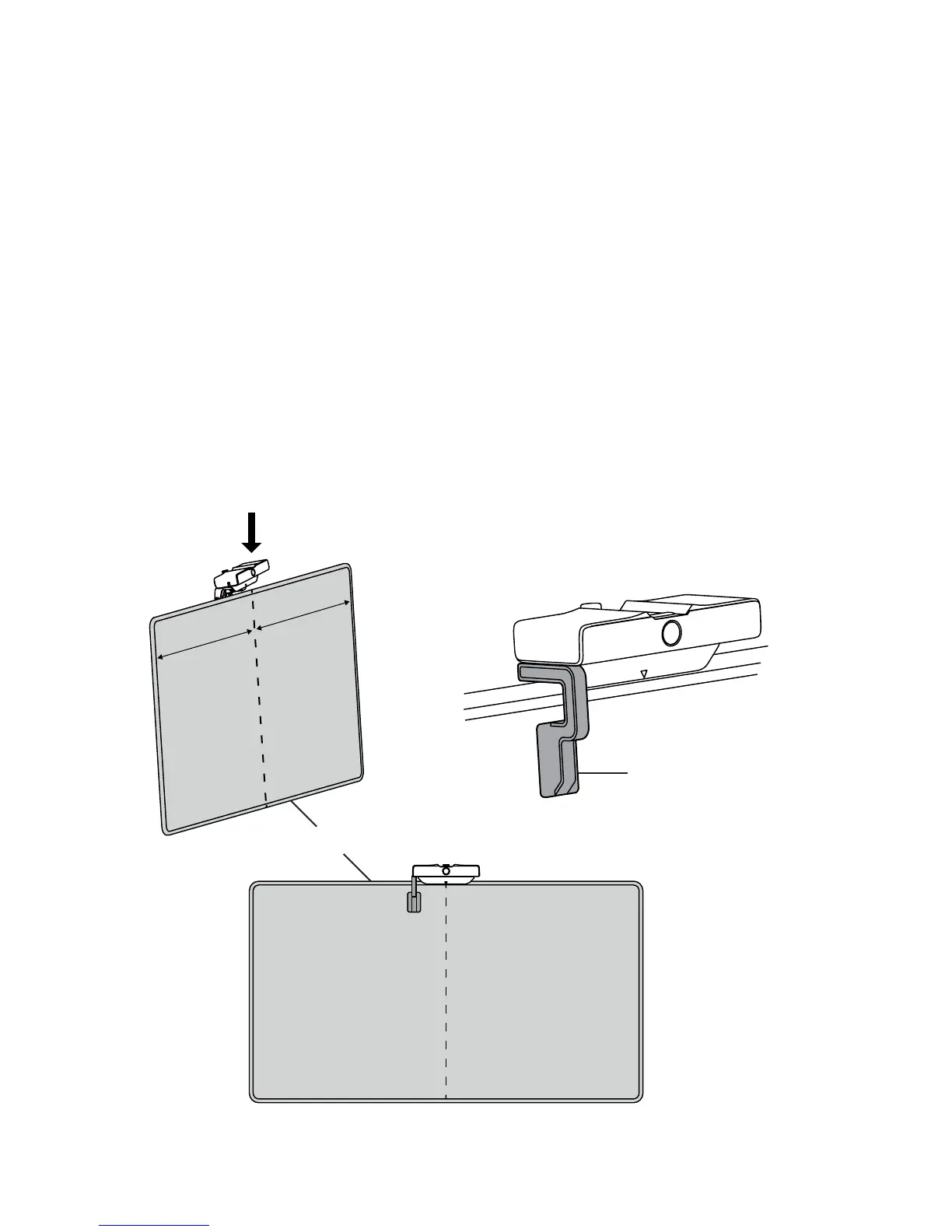
A. Align and hold the Android Box centered on top of your television. The white arrow on the
base below the box indicates the center of the unit to help with this. Press the base at against
the TV frame and hold the box in place for the next step.
B. Slide the Alignment Tool underneath one side of the Android Box with its foot at
against your screen. A snug t means that the laser projectors in the WAVE unit are correctly
aligned with the screen of your TV.
Alignment Tool
Center
TV
Equal
distance
Equal
distance



 To Next Page