© 2018 Touchjet™ All Rights Reserved16
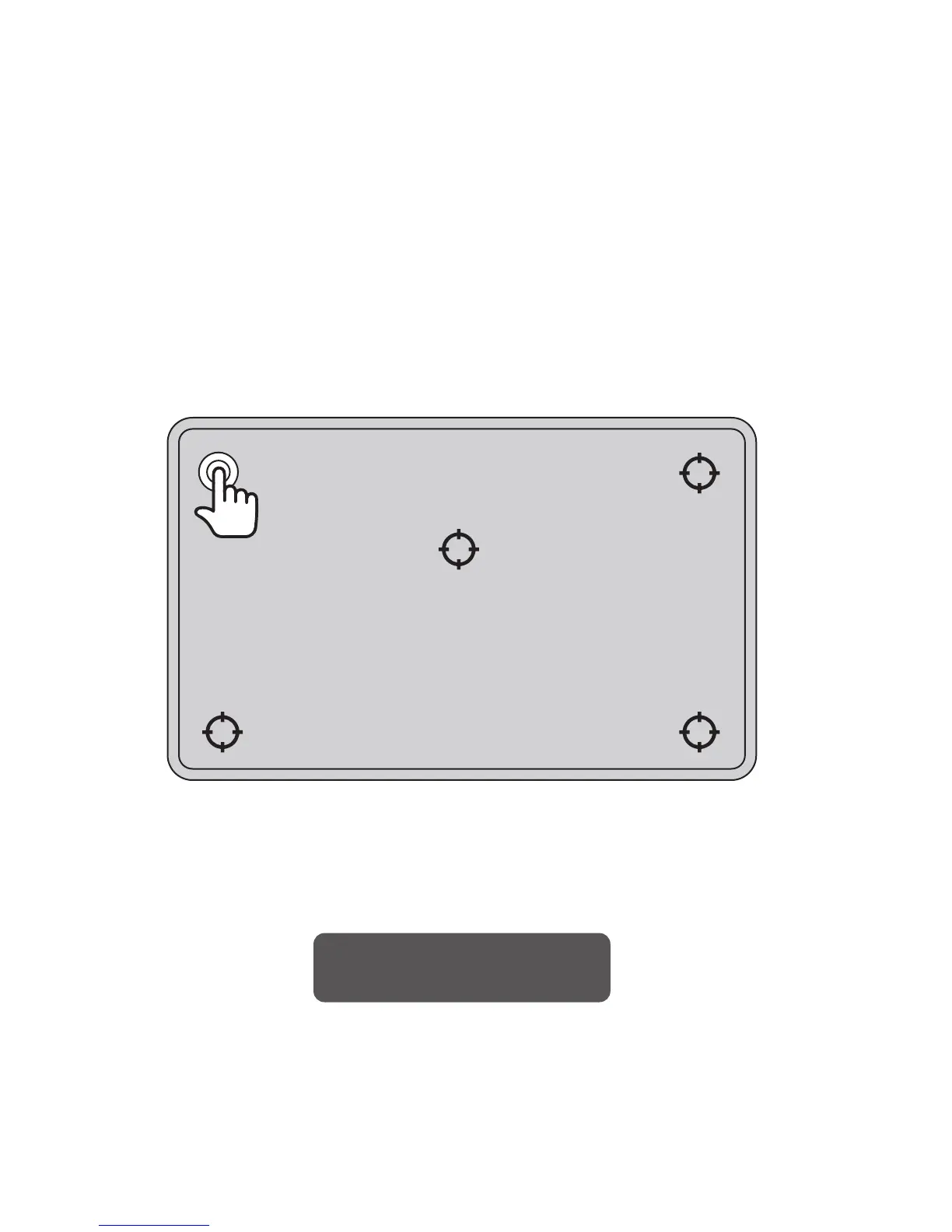
B. Touch the rst point on the screen until the dot turns from white to yellow, then lift your nger
from the screen. You should repeat this process for all ve dots that appear.
C. After the fth point turns yellow, wait for the calibration to complete and then tap the button
that reads Press to Finish to complete calibration.
Once the calibration process is completed, you can fully use the touch functionality of the
WAVE, or continue to use the Touchjet App on your smartphone/tablet as a smart remote.
Press to Finish



 To Next Page