10
SELECTING A COOKING MODE
AND PROGRAM
1. This unit is equipped with two cooking
modes: air fry and steam.
NOTE: A cooking cycle cannot be started
until a cooking mode is selected.
AIR FRY MODE
To select the air frying mode, touch
the Air Fry key on the unit’s control
panel. The corresponding programmes
will then light up to show this mode has
been selected.
Once Air Frying mode has been selected,
touch any of the program keys within its
control panel to select the corresponding
program. The key will begin to flash and
the default time and temperature for
that mode will appear on the unit’s LED
display to show it has been selected.
The programs available in Air Frying
mode are as follows
STEAM MODE
NOTE:
attempting to use Steam mode. If Steam
mode is selected when the water tank has
give off a sound prompt and the error code
‘E12’ will replace the default cooking time
on the unit’s LED display. When this occurs,
Water Tank section.
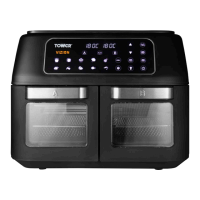
To select the steam mode, touch
the Steam key on the unit’s control
panel. The corresponding programmes
will then light up to show this mode has
been selected.
Once Steam Cooking mode has been
selected, touch any of the program keys
within its control panel to select the
corresponding program. The key will
begin to flash and the default time and
temperature for that mode will appear
on the unit’s LED display to show it has
been selected.
The programs available in Steam mode
are as follows:
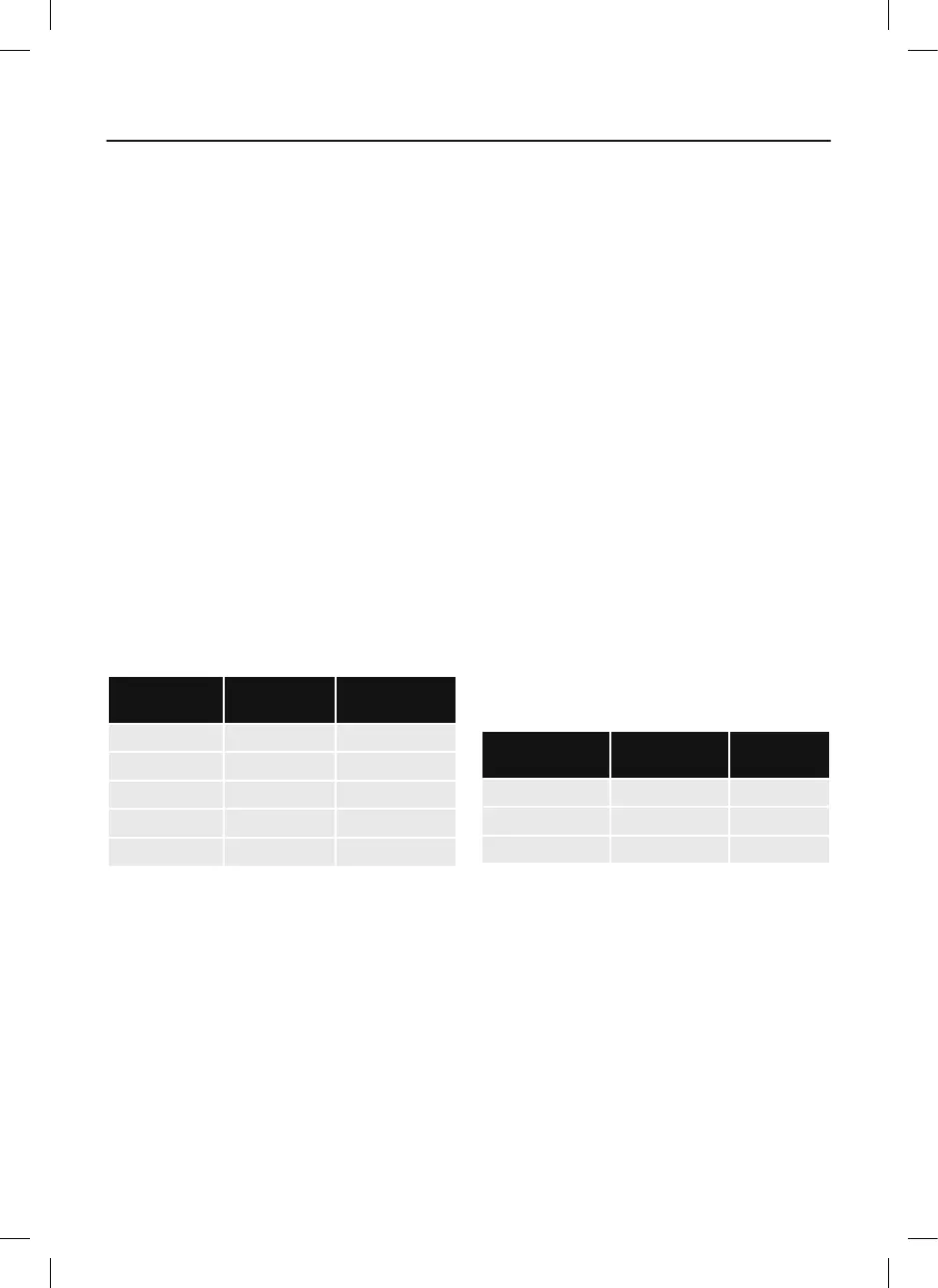
PROGRAM
DEFAULT
TIME (MIN)
DEFAULT
TEMP (ºC)
Steam 30 100
Combo Cook 30 180
Steam Clean 30 100
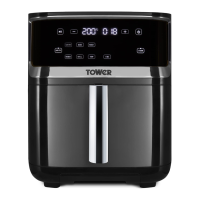
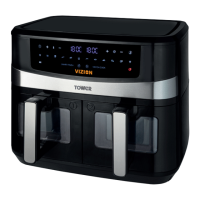
USING YOUR AIR FRYER
PROGRAM
DEFAULT
TIME (MIN)
DEFAULT
TEMP (ºC)
Air Fry 18 200
Bake 16 170
Roast 25 200
Reheat 6 120
Grill 20 200



 To Next Page