OTHER FUNCTIONS
05 4RUNNER NAVI_U (L/O 0408)
99
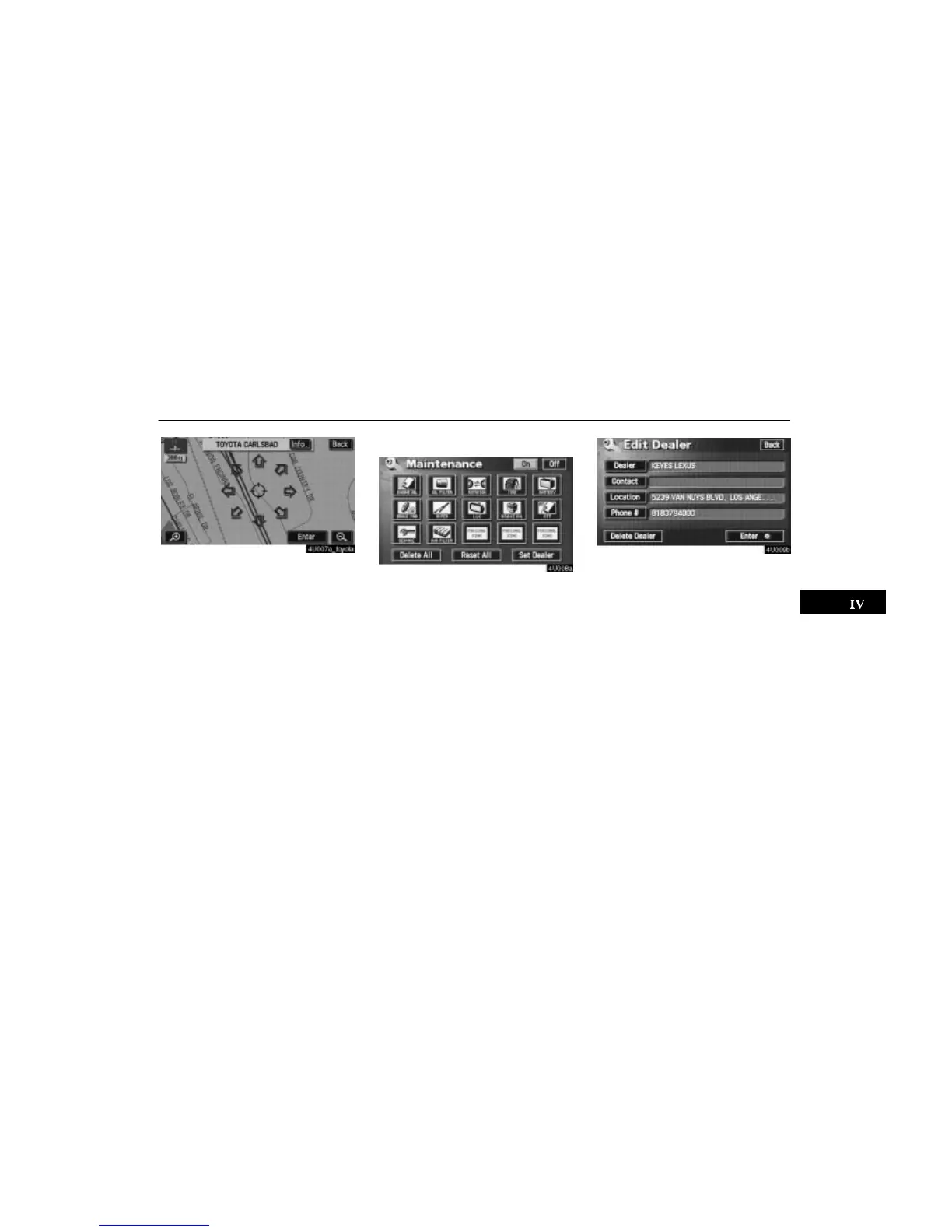
After you input the dealer, the screen changes
and displays the map location of the dealer.
If it is OK, touch the
“Enter” switch.
The screen changes to “Edit Dealer” screen.
(See “(b) Edit dealer”.)
(b) Edit dealer
You can edit the dealer name, staff, loca-
tion and phone number.
1. Touch the
“Set Dealer” switch on
the “Maintenance” screen. The “Edit
Dealer” screen appears.
2. To edit, touch the corresponding
switch.





 To Next Page