ADVANCED FUNCTIONS
05 4RUNNER NAVI_U (L/O 0408)
88
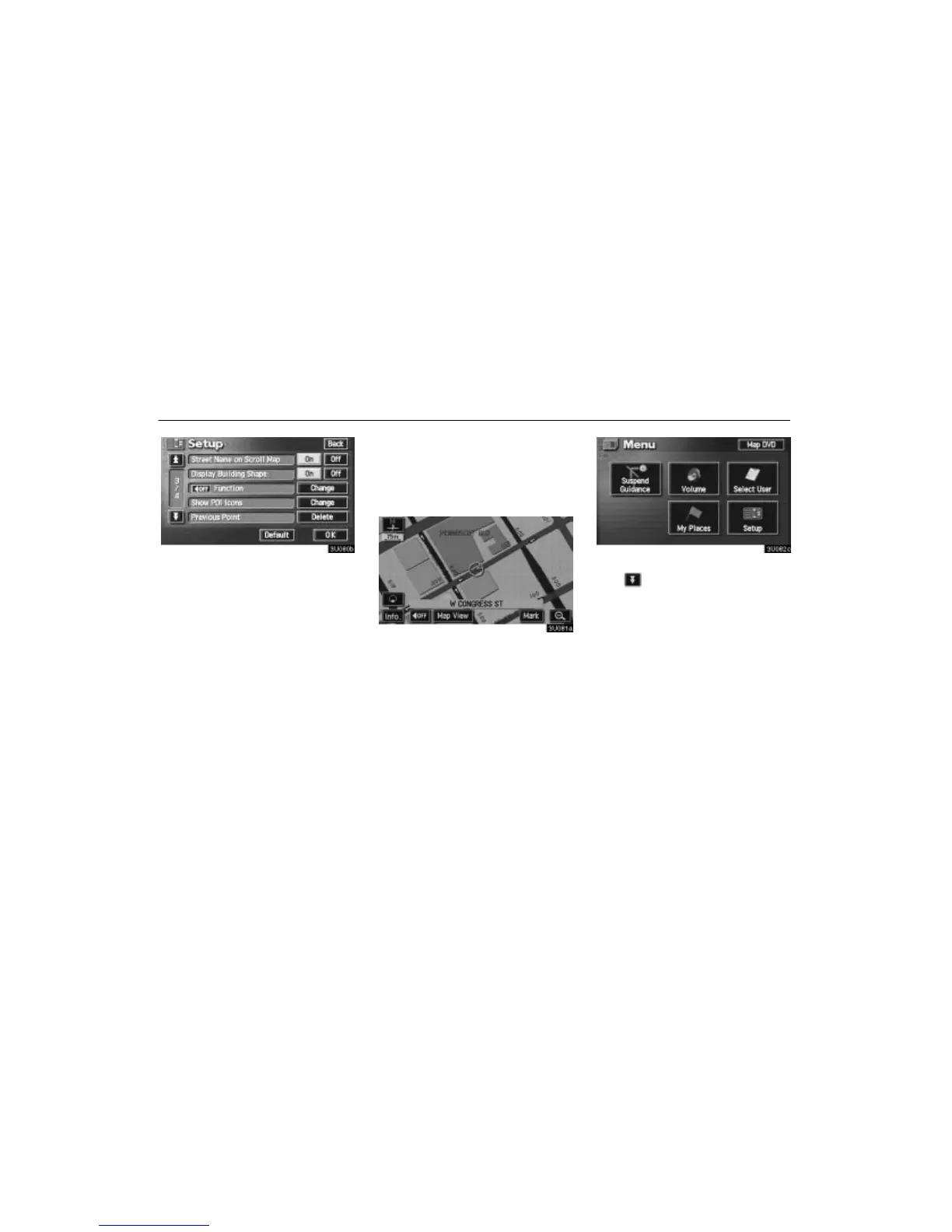
3. Touch the “On” switch of “Street
Name on Scroll Map” and touch the “OK”
switch.
Display of building shape
When the “Display Building Shape” fea-
ture is turned on, the system will display
the building shape on the map screen us-
ing a scale of 150 feet (50 m) to 300 feet
(100 m).
To turn the “Display Building Shape”
mode on:
1. Push the
“MENU” button.
2. Touch the “Setup” switch. Then
touch switch twice to display page 3 of
the “Setup” screen.





 To Next Page