Configuring Your Router
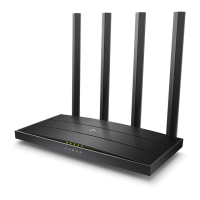
• Unbox the router and power up the router.
• Connect the Act internet cable to the WAN/Internet port(different coloured port) of the router.
• An extra LAN cable will be available with the router, connect one end of LAN cable to the LAN
port(1-4) of the router(any one port) and one end to the PC or Laptop.
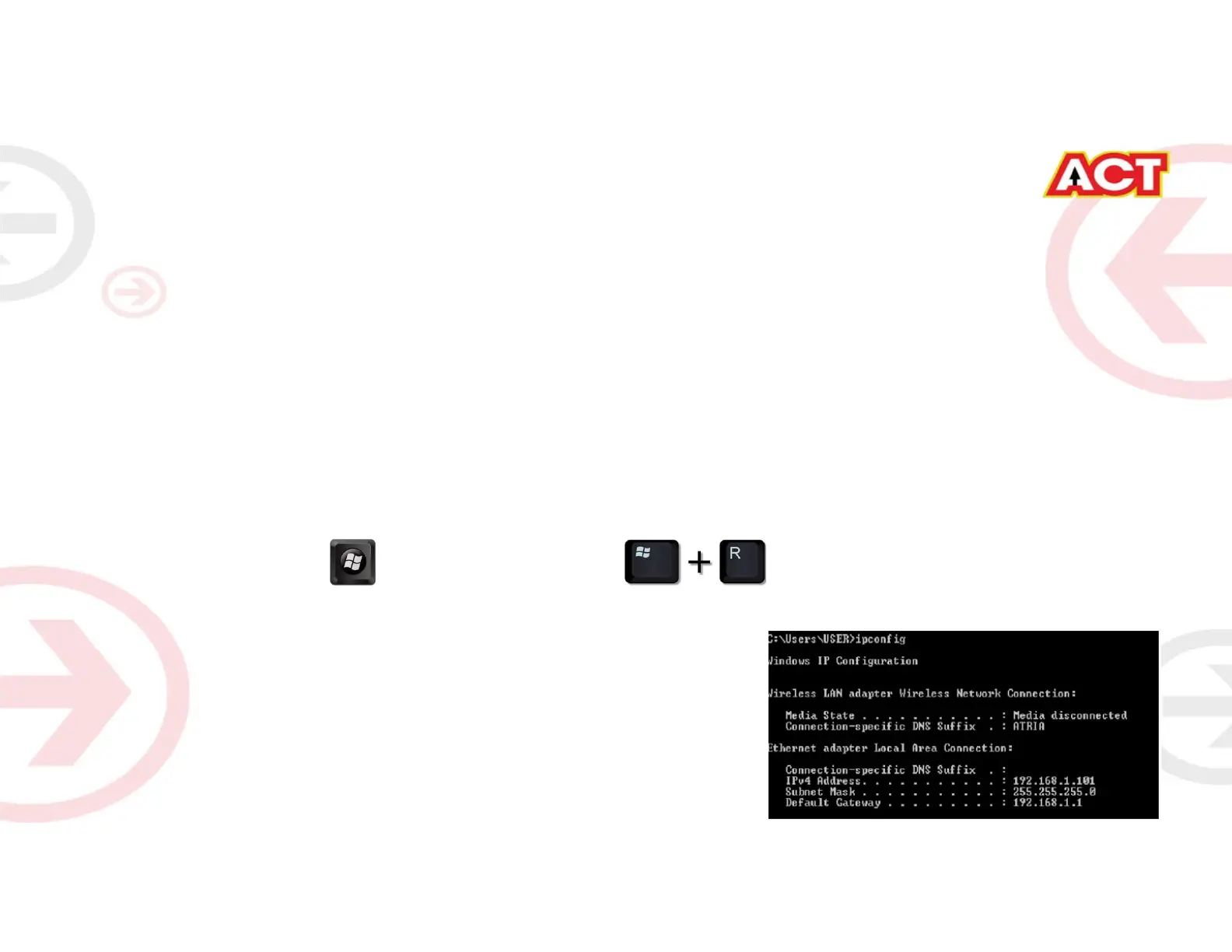
• In the system press key & R key together to open Run dialog box.
• Type ipconfig on the command prompt(Black screen) . The default gateway of the LAN or Ethernet
adapter will be the Router address. (Ex:192.168.0.1)
STEP 1 (a): Connect Your PC to the Router













 To Next Page