STEP 2: Logging into the Router
• Open a browser Enter the below IP Address in the Address Bar. A login page appears. The
usual usernames and passwords are given in the table below.
Router Name IP Address Username Password
Cisco or Linksys 192.168.1.1 admin admin
D-Link 192.168.0.1 admin (blank)
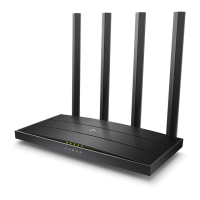
TP-Link 192.168.0.1 admin admin
Net gear 192.168.1.1 admin password
Belkin 192.168.2.1 Click on Login in Home (blank)
Tenda 192.168.0.1 admin admin
i-Ball Baton 192.168.1.1 admin admin
Digisol 192.168.2.1 admin 1234 or admin
Asus 192.168.1.1 admin admin
• If all the above credentials do not work, please check the back of the router where the
username and password will be mentioned.













 To Next Page