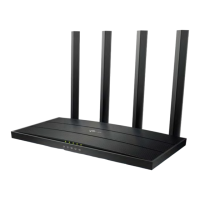
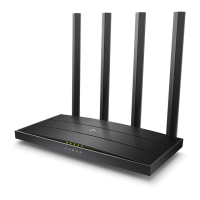
• Switch on the router and connect ACT internet cable to the WAN/Internet port of the router
• Go to setting in the Mobile, turn on Wi-Fi and wait until the mobile detects router name press
the router name to connect.
• If the router is already configured and the Wi-Fi password is known then go to settings in the
Mobile
• Under “Wireless and Networks”, press Wi-Fi make sure "Wi-Fi" is turned on.
• Wait until the mobile detects router name press the router name if prompted enter the Wi-Fi
password and press Connect.
STEP 1 (b): Connect Your Mobile













 To Next Page