87
Chapter 13
Manage the Router
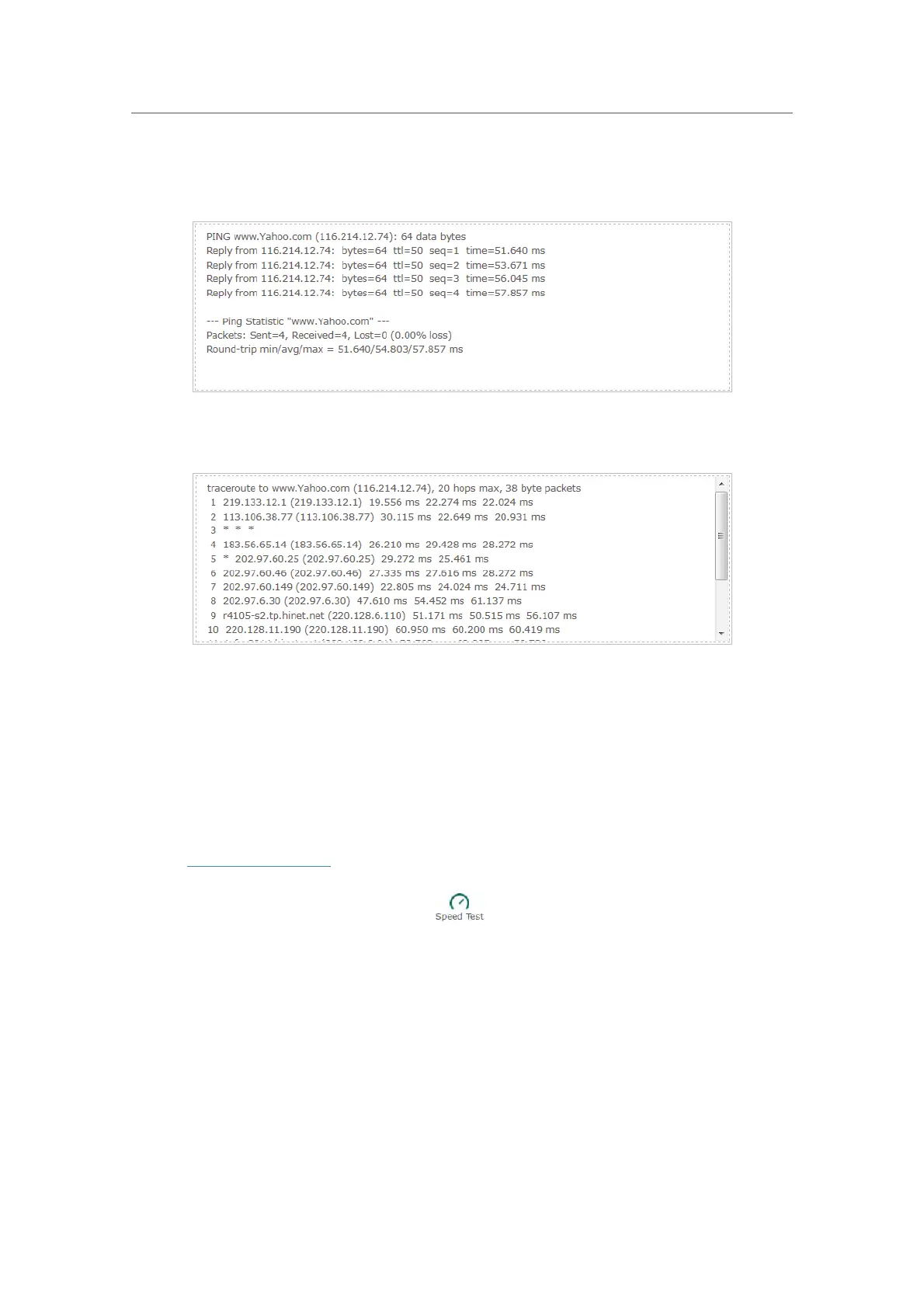
The figure below indicates the proper connection between the router and the Yahoo
server (www.Yahoo.com) tested through Ping.
The figure below indicates the proper connection between the router and the Yahoo
server (www.Yahoo.com) tested through Traceroute.
13. 4. Test Your Internet Speed
Speed Test provides an easy way to monitor your network speed. It reveals the current
upload and download speeds received from your provider and gives practical advice
about the activities you can enjoy.
¾ To test your internet speed:
1. Visit http://tplinkwifi.net, and log in with your TP-Link ID or the password you set for
the r
outer.
2. Go to Basic > Network Map and click
.
3. If it is the first time you run a test, the router will start the test automatically. Otherwise,
click Test Again.














 To Next Page