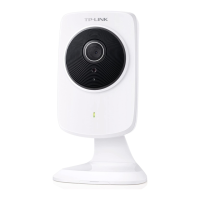
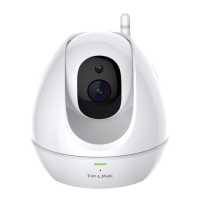
NC450 HD Pan/Tilt Wi-Fi Camera with Night Vision
31
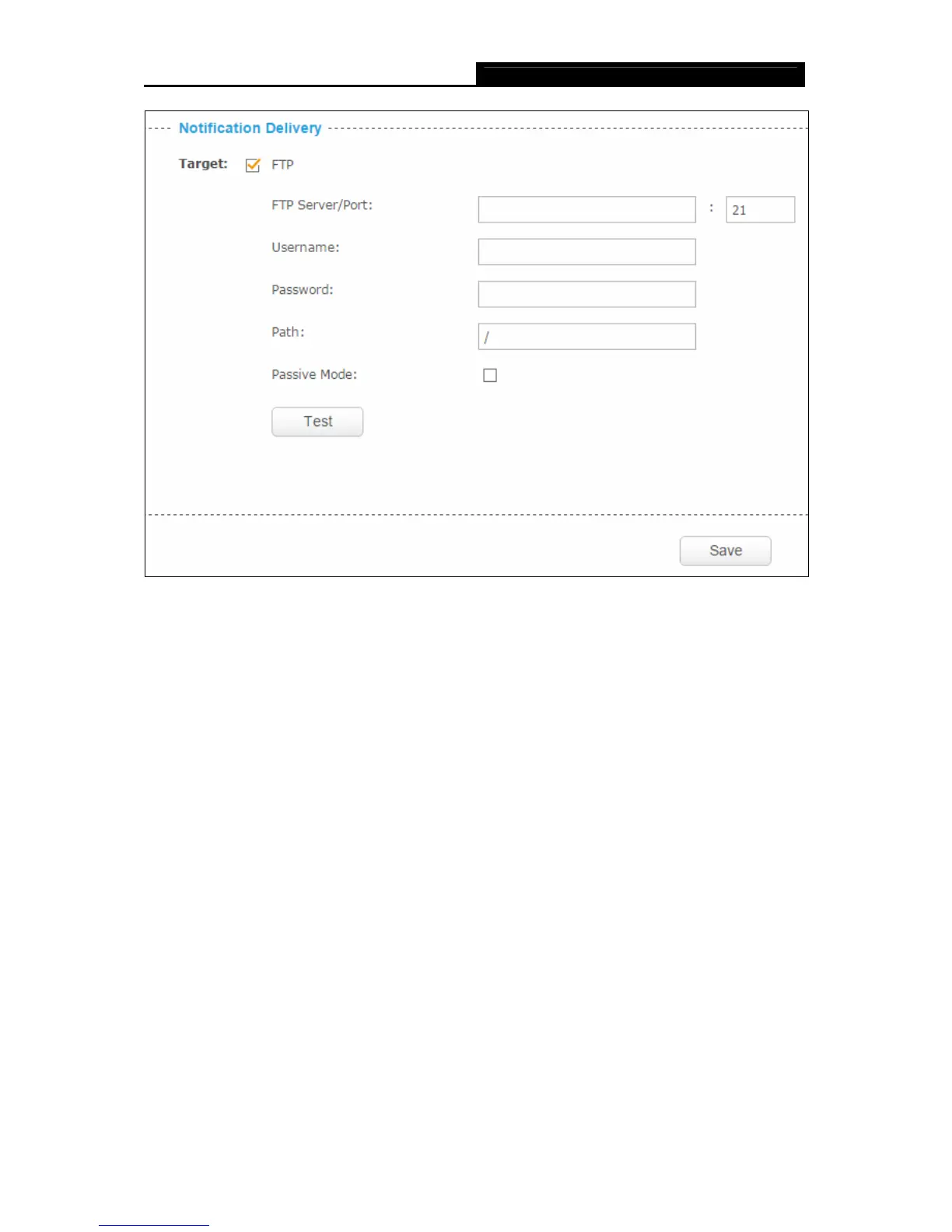
FTP Server/ Port: Enter the IP or the domain (IP/domain without prefix ftp://) and the port of
the FTP server that you will be connecting to. The port is 21 by default.
Note:
The FTP server you set and the camera should be in the same LAN.
Username: Enter the username that is used to log in to your FTP server.
Password: Enter the password that is used to log in to your FTP server.
Path: Enter the path to the destination on the FTP server.
Passive Mode: Enabling passive mode may help you reach your FTP server if your camera is
behind a router protected by a firewall.
To set up a FTP to receive notification, follow the steps below:


 To Next Page